I think I did what you instructed me about (first changed alias using an already existing gmail account, then deleting "problematic" alias, then signed with local account, then reboot, then signed with gmail account)
Now my microsoft account is a gmail one.
I think now accounts' situation is clean.
If I go back to the origin of my query, I still get same behavior from store:
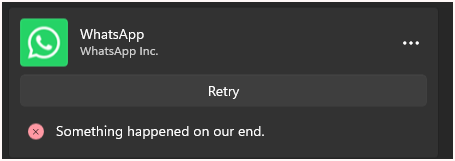
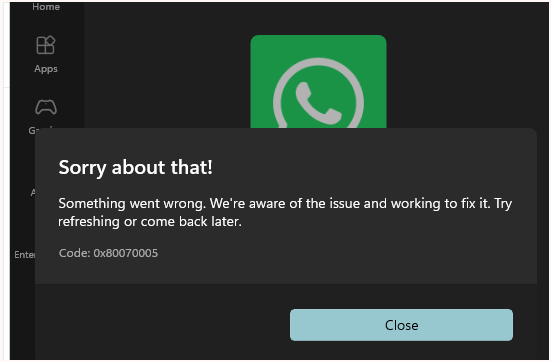
Should I repeat some sequence among the ones you suggested to me?
Till now, your support was really great and appreciated, I'm excited about you were able to drive me through all these "inside" steps.
Thanks
Alex
I see. So it sounds like you might have registered your Microsoft account using the same email that also has a commercial account, which is not recommended and can cause issue.
I do not want you to lose your bitlocker key, so I would recmmend you give your Microsoft account a different alias so the email address with your own domain can solely be used for commercial only.
Can you sign into your personal account via this link: https://account.live.com? If so, go to Your Info > Sign in preference, Add an alias. You have two options here:
Create new: this will allow you to use the native domain outlook.com to create a new alias.
Add existing: this will allow you to add a 3rd party email address, such as yahoo, gmail, as long as they are not already associated with another Microsoft account.
Once added, make this new alias your primary alias, then you can delete the other email as alias, and that email is free from this Microsoft account instantly.
==============
This way you still have the same Microsoft, but you will be just using a different email address to access it.
Then you can do the relink instruction I gave you above.
' cx='32' cy='32' r='32' /%3E%3Ctext x='50%25' y='55%25' dominant-baseline='middle' text-anchor='middle' fill='%23FFF' %3EA%3C/text%3E%3C/svg%3E)


