Hello,
I contact because I don not how to proceed to fix an error. I am very desperate.
Error description:
Windows 11 shows a blue error screen and performs a restart. This error happens randomly several times in a day
Also I detected that when I try to search something in the search box of the task bar appears a black modal and a progress bar on top. See image below
For the other hand I detected that some softwares crashes suddenly and some software also restarts suddenly. (Word, Mediamonkey, Firefox, Slack, OneNote, Notepad++, Postman, Thunderbird, Unity, Foxit PDF Editor)
UPDATE: I detected another error, video conferences where I use the camera suddenly close both in Google Meets and in Slack.
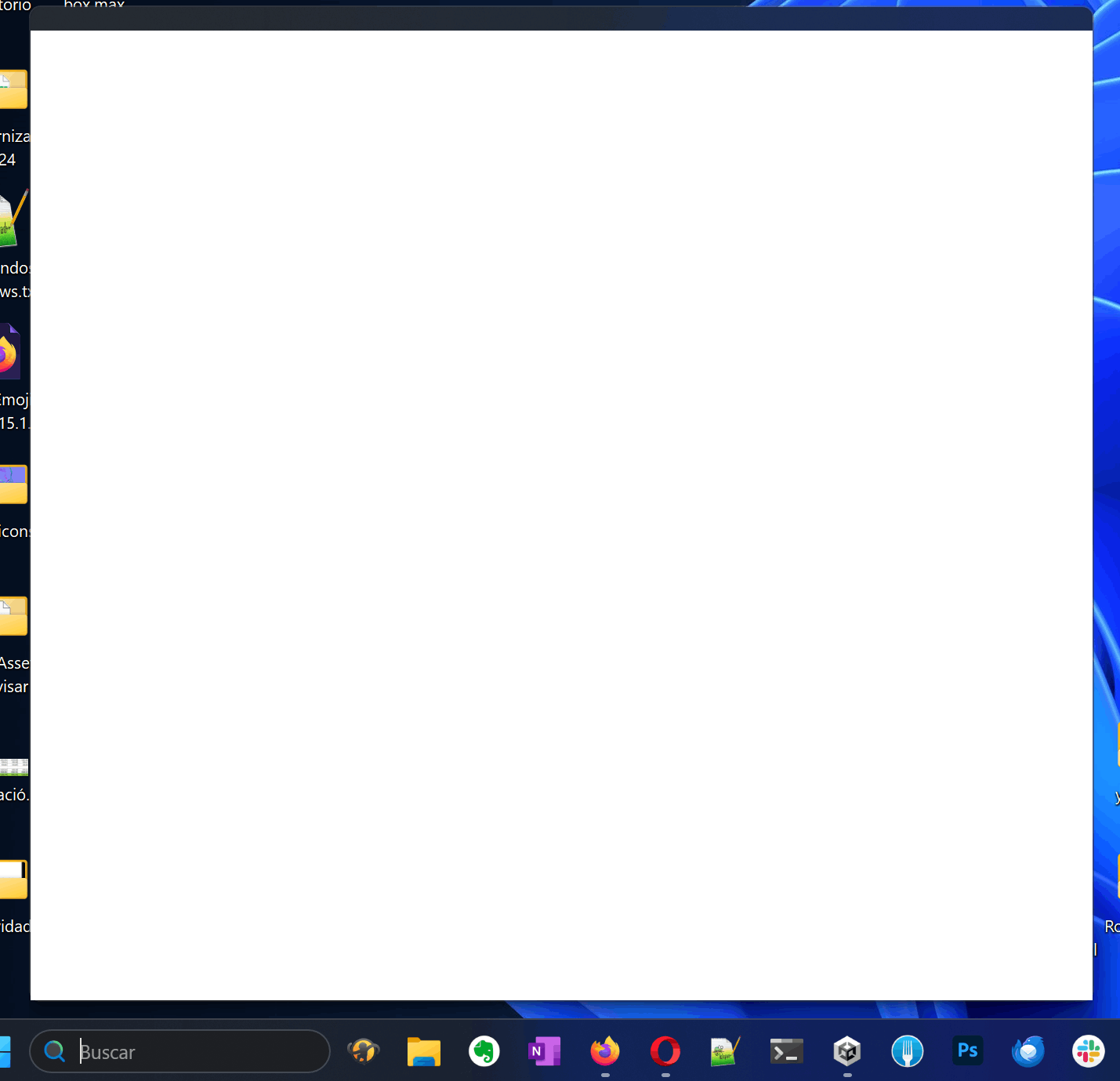
When is triggered the error:
- Aparently randomly.
- When Windows starts and shows the desktop.
- When I open the System tray of the taskbar.
- When I start a search from the taskbar.
Specs of the computer:
- Windows 11 23H2 22631.4169
- Mainboard Z790 D DDR4
- Intel Core i9 14900KS
- Ram 128GB DDR4
- 6 hard drives and 1 NV2 NVMe PCIe 4.0 (main unit with Windows)
- Nvidia GeForce RTX 4070 Ti Super 16Gb (Studio driver 560.81)
What I did?
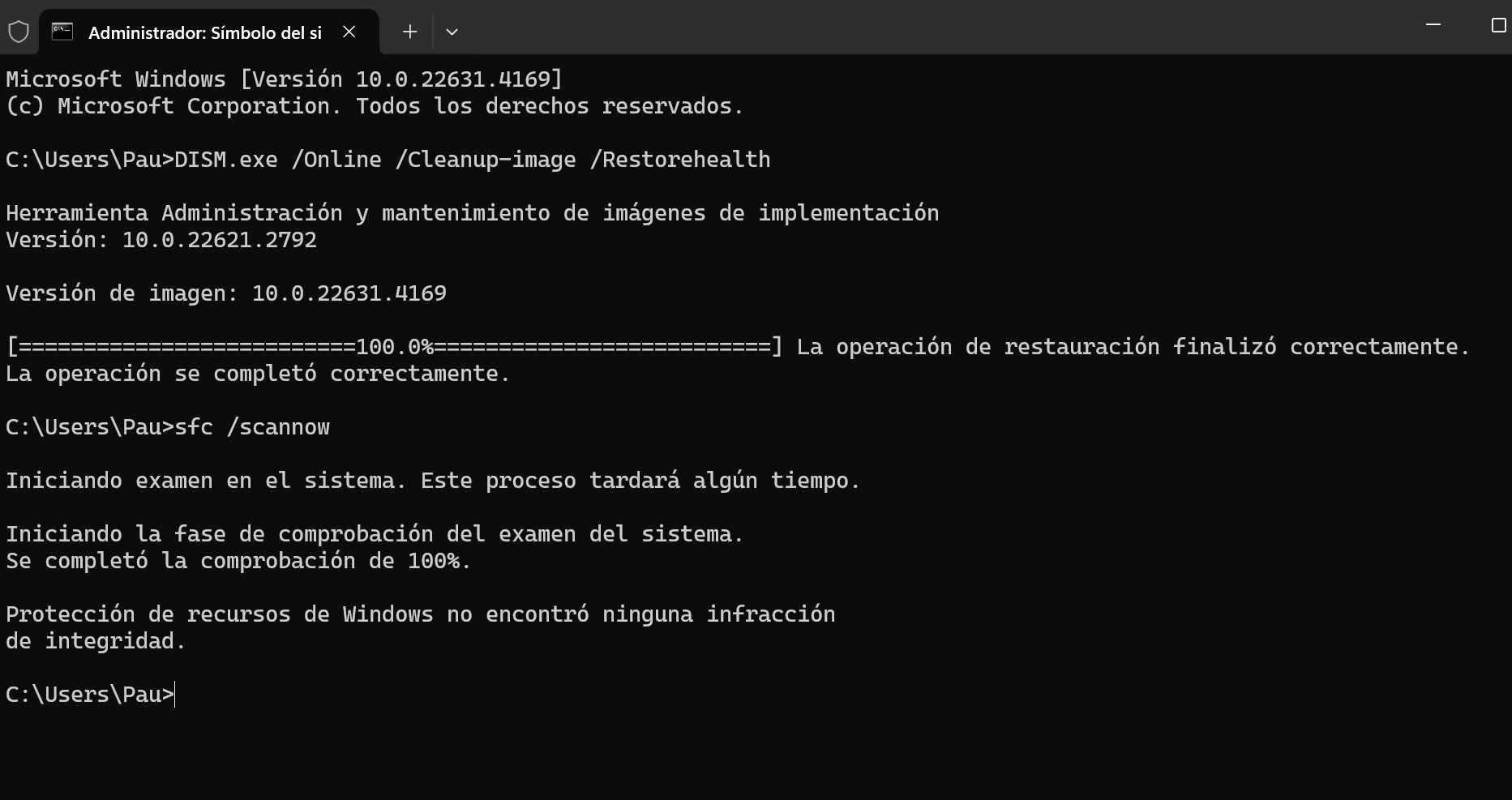
Run these commands and no errors found.
- DISM.exe /Online /Cleanup-image /Restorehealth
- sfc /scannow
- chkdsk/f C:
- chkdsk/f U:
- chkdsk/f V:
- chkdsk/f W:
- chkdsk/f X:
- chkdsk/f Y:
- chkdsk/f Z:
How I can identify the cause of the blue screen and the rest of errors?
How I can fix the problems?
I appreciate a lot any type of help. In fact I tried to purchase a Single Incident (Business Hours Support) for Businesses bu I got this error during the payment process: Tax calculation was unsuccessful, please try again later.
' cx='32' cy='32' r='32' /%3E%3Ctext x='50%25' y='55%25' dominant-baseline='middle' text-anchor='middle' fill='%23FFF' %3EA%3C/text%3E%3C/svg%3E)

' cx='32' cy='32' r='32' /%3E%3Ctext x='50%25' y='55%25' dominant-baseline='middle' text-anchor='middle' fill='%23FFF' %3ENK%3C/text%3E%3C/svg%3E)