SQL Server Reporting Services
A SQL Server technology that supports the creation, management, and delivery of both traditional, paper-oriented reports and interactive, web-based reports.
This browser is no longer supported.
Upgrade to Microsoft Edge to take advantage of the latest features, security updates, and technical support.
' cx='32' cy='32' r='32' /%3E%3Ctext x='50%25' y='55%25' dominant-baseline='middle' text-anchor='middle' fill='%23FFF' %3ESA%3C/text%3E%3C/svg%3E)
Hi,
I am having issue while setup Reporting Service Point.
My environment is new setup as per below
SCCM 2203 on Server A
SQL Server 2019 & Reporting Server 2019 on Server B
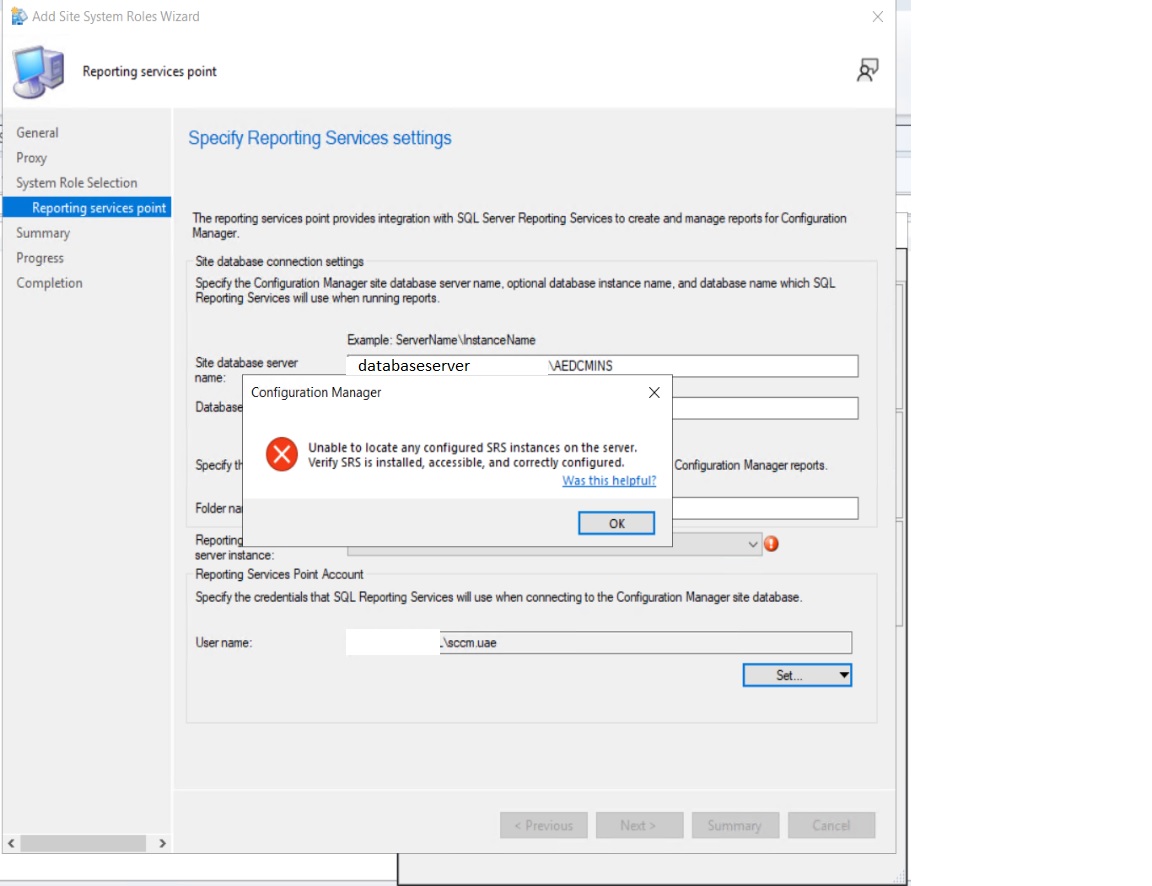
On SCCM console i am getting error "Unable to locate any configure SRS instances on the server. Verify SRS is installed, accessible and correctly configured" while adding a Reporting Service Point. Screenshot attache
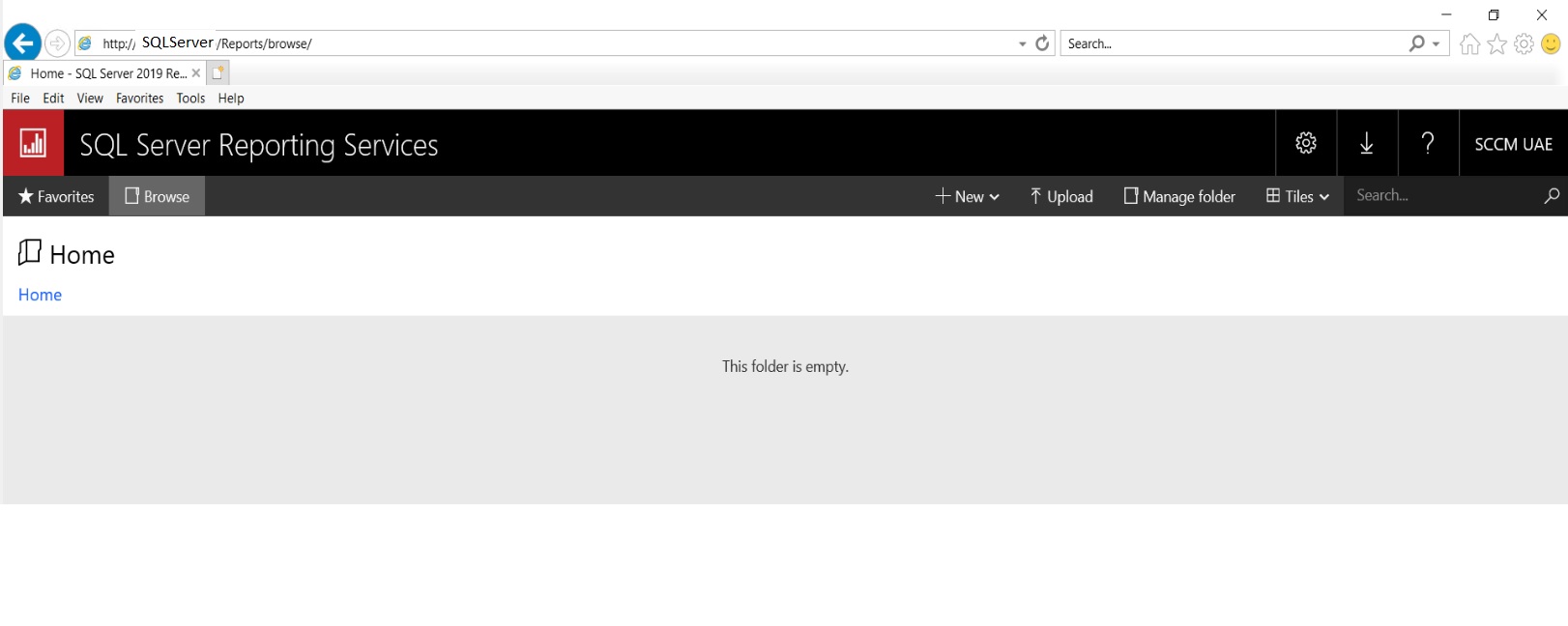
On SCCM Server and on Reporting Server i am able to browse the Report Server URL but the folder is empty. Screenshot attached.
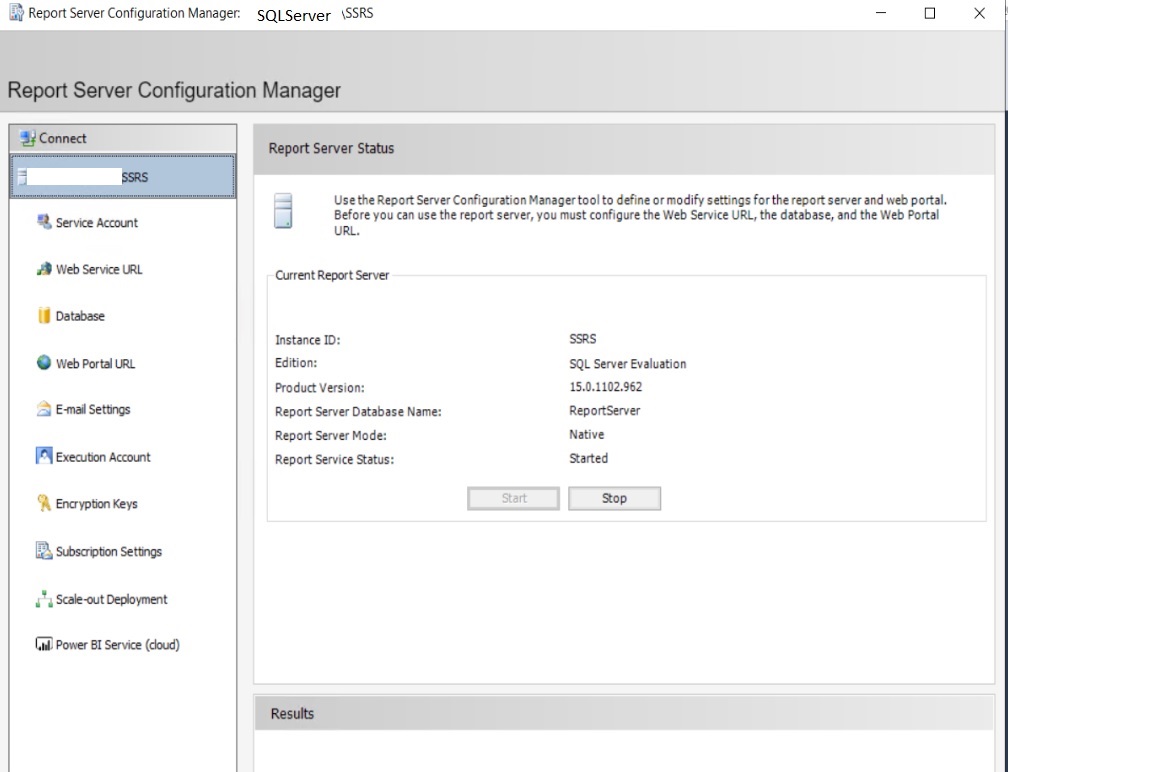
Reporting Server configuration wizard is already setup without any error. Screenshot attached
ServerA and ServerB computer accounts are member of Administrators group on each server.
Same service account is used to install SCCM and SQL+Reporting Server and member of Administrators group.
I am out of ideas. What i am doing wrong?
A SQL Server technology that supports the creation, management, and delivery of both traditional, paper-oriented reports and interactive, web-based reports.
Other Configuration Manager-related features and issues

Hi,
Just to update the forum that issue has been resolved now by following below troubleshooting steps:
1. Identified that SCCM Server not able to connect SQL Server through WMI. Checked the setup.log and find
Wmi::Connect(): ConnectServer(Namespace) failed. - 0x80070005 Configuration Manager Setup 8/29/2022 11:53:10 AM 7584 (0x1DA0)
CWmiRegistry::WmiOpen: Failed to connect to remote WMI repository on machine SQLDBServer.com Configuration Manager Setup 8/29/2022 11:53:10 AM 7584 (0x1DA0)
CWmi::Connect(): ConnectServer(Namespace) failed. - 0x80070005 Configuration Manager Setup 8/29/2022 11:53:10 AM 7584 (0x1DA0)
CWmiRegistry::WmiOpen: Failed to connect to remote WMI repository on machine SQLDBServer.com Configuration Manager Setup 8/29/2022 11:53:10 AM 7584 (0x1DA0)
Checked this with below command:
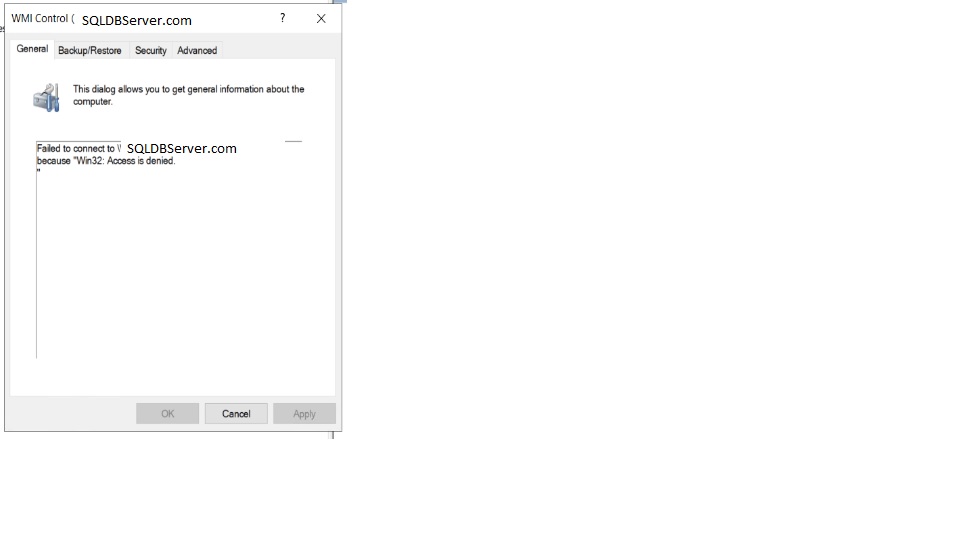
Run -> wmimgmt.msc -> Connect to remote computer and here i get Access Denied message
2. Found the below event in SQL Server (System Event)
Please raise the activation authentication level at least to RPC_C_AUTHN_LEVEL_PKT_INTEGRITY in client application.
3
Path : HKEY_LOCAL_MACHINE\SOFTWARE\Microsoft\Ole\AppCompat
Value Name: "RequireIntegrityActivationAuthenticationLevel"
Type: dword
Value Data: default = 0x00000000 means disabled. 0x00000001 means enabled. If this value is not defined, it will default to enabled.
Restarted SQL Server
4 - After restart WMI connected from SCCM Server to SQL Server
Successfully added Reporting Services Point
Thank you all for support

So are you saying that you added the key and made it 1? Just asking for clarity.
Yes, added the key but made it 0 (disabled).

So you know that will only work for a few months before it will stop working? Aka Next year in may or so. Just letting you know.
To be clear you are adding the reporting point to the Ssrs server?
You have check that firewall ports are open, post 80, WMI ports?
Hi,
Yes right i am adding reporting point to the SSRS server.
Both servers are on same subnet and firewalls at OS end are turned off.
Take a look at this list.
https://www.recastsoftware.com/resources/troubleshooting-the-sccm-reporting-services-point/
Mentioned steps already followed here but unable to find the relevant information related to an error while adding reporting services point.
Any other point to start troubleshooting?
I get some clues, may be this is causing issue as WMI not connecting remotely from SCCM server to SQL Server. Below are the logs235717-setup.log
Hi,
Just to update the forum that issue has been resolved now by following below troubleshooting steps:
1. Identified that SCCM Server not able to connect SQL Server through WMI. Checked the setup.log and find
Wmi::Connect(): ConnectServer(Namespace) failed. - 0x80070005 Configuration Manager Setup 8/29/2022 11:53:10 AM 7584 (0x1DA0)
CWmiRegistry::WmiOpen: Failed to connect to remote WMI repository on machine SQLDBServer.com Configuration Manager Setup 8/29/2022 11:53:10 AM 7584 (0x1DA0)
CWmi::Connect(): ConnectServer(Namespace) failed. - 0x80070005 Configuration Manager Setup 8/29/2022 11:53:10 AM 7584 (0x1DA0)
CWmiRegistry::WmiOpen: Failed to connect to remote WMI repository on machine SQLDBServer.com Configuration Manager Setup 8/29/2022 11:53:10 AM 7584 (0x1DA0)
Checked this with below command:
Run -> wmimgmt.msc -> Connect to remote computer and here i get Access Denied message
2. Found the below event in SQL Server (System Event)
Please raise the activation authentication level at least to RPC_C_AUTHN_LEVEL_PKT_INTEGRITY in client application.
3
Path : HKEY_LOCAL_MACHINE\SOFTWARE\Microsoft\Ole\AppCompat
Value Name: "RequireIntegrityActivationAuthenticationLevel"
Type: dword
Value Data: default = 0x00000000 means disabled. 0x00000001 means enabled. If this value is not defined, it will default to enabled.
Restarted SQL Server
4 - After restart WMI connected from SCCM Server to SQL Server
Successfully added Reporting Services Point
Thank you all for support