Problem solved!!! Yesterday at 8AM EST my server Health Report said "The dynamic DNS information cannot be updated". Today there was no such error and just now I was able to access the remote web site and RDP into my desktop. I thought all my attempts to release, repair and even change domains would surely screw something up but it did not and I didn't have to do anything so it must have been a failure at Microsoft. Thank goodness it is fixed!
Cloud Services Integration & Anywhere access not working on new Server 2016 Installation
I'm not sure if anyone can help or has the answers and i've tried everything and all fixes from various posts.
I'm getting these errors on a fres install of server essentials 2016 on two different servers.
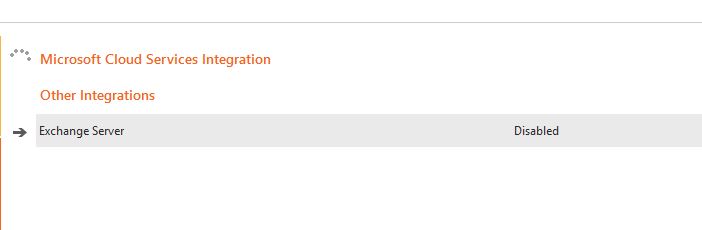
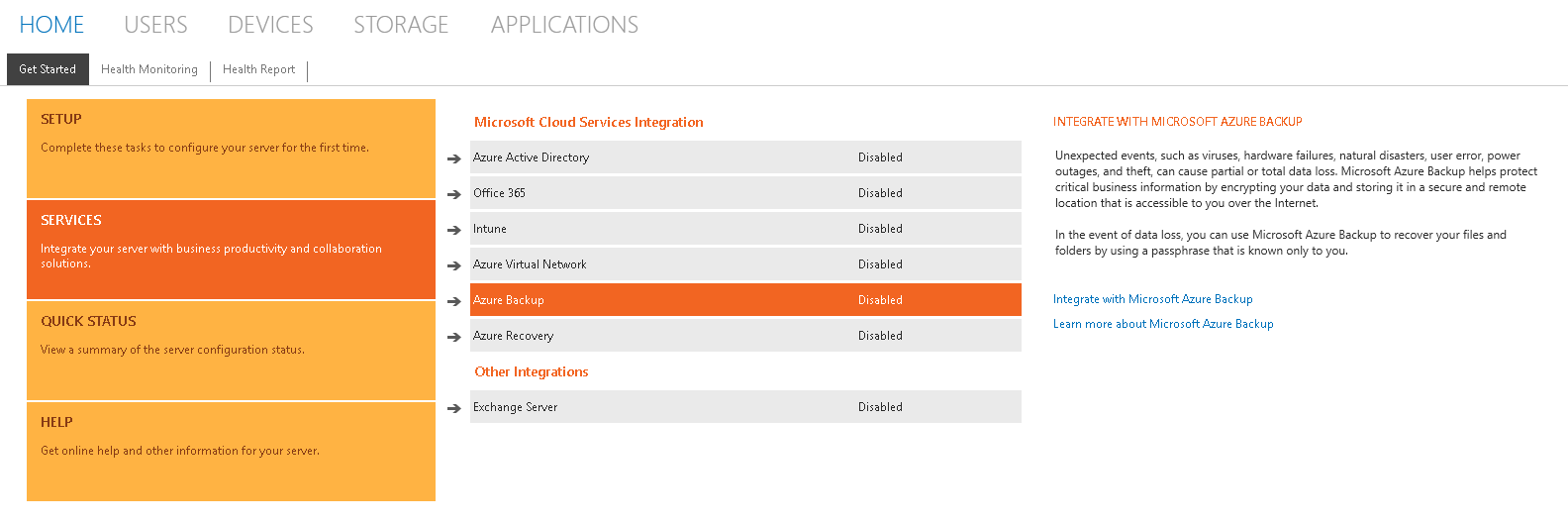
So after installation i go onto the dashboard to set up the Office 365 intergration and the Azure backup but nothing is loading it just keeps spinning around under the Microsoft Cloud Services Integration.
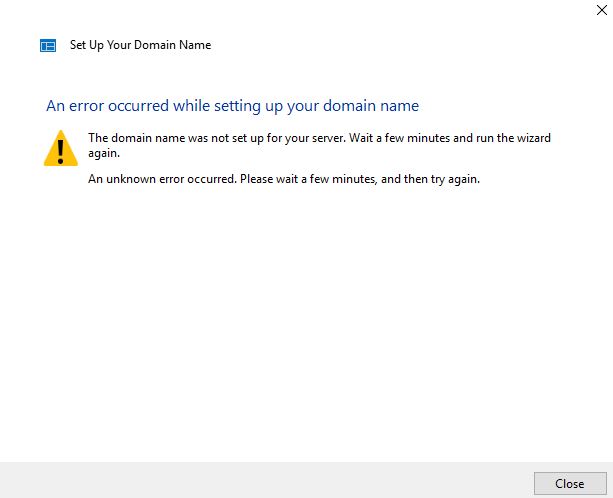
The second problem i have is setting up anywhere access for the first time, i click the configure tab and the pop up comes to set it up so i click next and i get An error occured while setting up your domain.
I'm not sure if something is corrupt or whether a role is missing for both these features not to be working.
Screenshots below
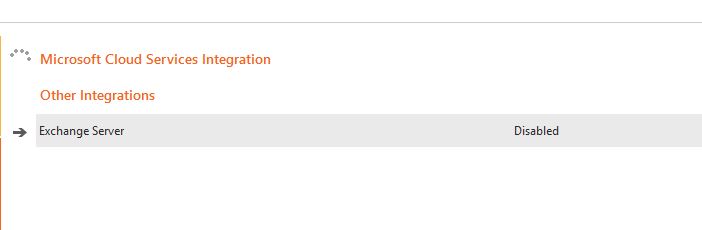
If anyone has any ideads then great. Again this is a fresh install. I've tried using both the origial CD and a downloaded ISO from Microsoft.
Thanks,
Matt
Windows for business | Windows Server | User experience | Other
8 answers
Sort by: Oldest
-
Jesse Flintoff 236 Reputation points
2022-05-15T22:22:01.423+00:00 Hi there,
Did you get the office 365 integration working?
-
Matt Smith 11 Reputation points
2022-08-12T15:41:06.66+00:00 I've been checking over the logs, especially the dashboard log and I've noticed the below. As you can see the link is broken, I think this file usually downloads your dashboard config files which would be stored in C:\ProgramData\Microsoft\Windows Server\Data\Cloud
I seen a post regarding this issue early last year but can't find it.
Shouldn't be getting this error on a fresh install though.
[4976] 220812.150339.2283: FwlinkHelper: Failed to get forwarded link from fwlink https://go.microsoft.com/fwlink/?LinkID=785361 with error The request was aborted: Could not create SSL/TLS secure channel..
[4976] 220812.150339.2283: OnlineServicesConfigFile: Failed to refresh cloud service environment file because the download address cannot be retrieved.
[4976] 220812.150339.2598: FwlinkHelper: Failed to get forwarded link from fwlink https://go.microsoft.com/fwlink/?LinkID=785361 with error The request was aborted: Could not create SSL/TLS secure channel..
[4976] 220812.150339.2598: OnlineServicesConfigFile: Failed to refresh cloud service environment file because the download address cannot be retrieved.
[4976] 220812.150339.2598: Homepage: Failed to create task for Microsoft Cloud Services Integration due to the error: System.ArgumentNullException: Value cannot be null.
Parameter name: s
at System.IO.StringReader..ctor(String s)
at System.Xml.XmlDocument.LoadXml(String xml)
at Microsoft.WindowsServerSolutions.Dashboard.Addins.ExternalOnlineServicesSubGroupTaskFactory.GetResourceName(String elementId)
at Microsoft.WindowsServerSolutions.Dashboard.Addins.ExternalOnlineServicesSubGroupTaskFactory.CreateTasks()
at Microsoft.WindowsServerSolutions.Dashboard.Addins.Views.TaskStatusListView.<>c__DisplayClass23_0.<RefreshSubGroup>b__1(Object sender, DoWorkEventArgs args)