

Hi @tn-57-gs
Some quick points to check out.
- Check VPN server certificate has "server authentication" EKU
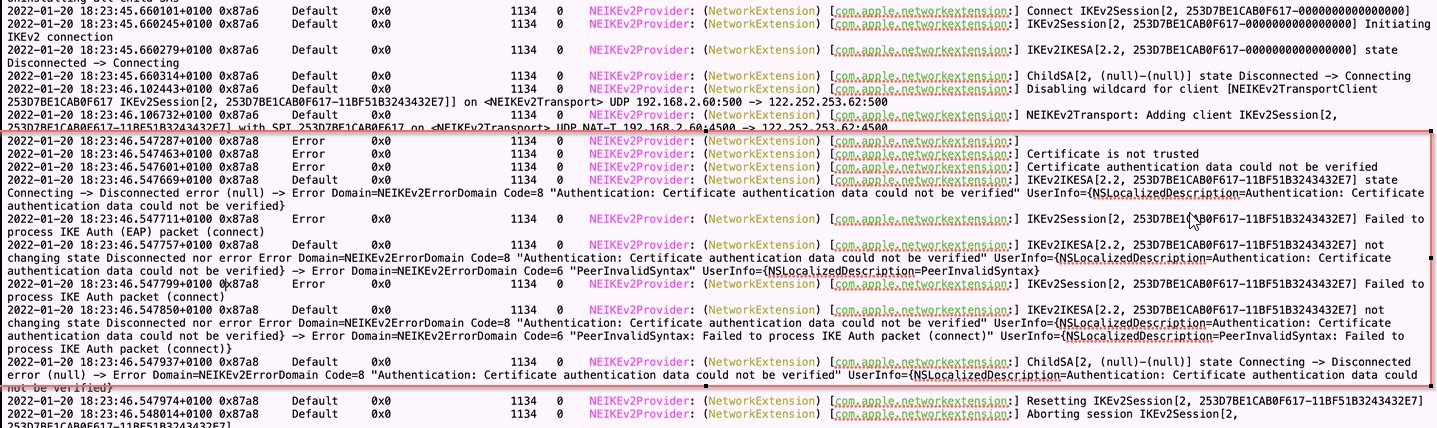
- Check certificates are valid on the client, VPN server, and NPS server
- Check the client, VPN server, and NPS server all have trusted root certificate from the DC (CA administrator)
- Check the VPN server name on the client matches the VPN server certificate's subject name
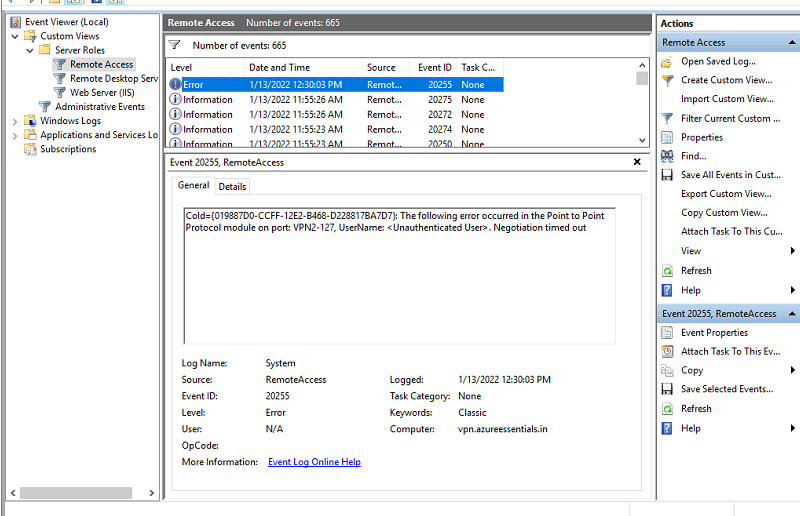
- Check appropriate port (1812, for RADIUS authentication) is open on VPN server and NPS server
- Check the NPS server is reachable (ping-able) from the VPN server.
Here is a thread as well which discusses the same issue and you can try out some troubleshooting steps from this and see if that helps you to sort the Issue.
Please try the following articles to see if they could be of help.
https://blogs.technet.microsoft.com/rrasblog/2009/08/12/troubleshooting-common-vpn-related-errors/
Hope this resolves your Query!!
------
--If the reply is helpful, please Upvote and Accept it as an answer--