Good day everyone,
I'm looking for guidance on managing and visualizing dependencies across multiple projects and portfolios.
- Is it possible to manage and track a portfolio at a high level, similar to how Microsoft Project for the Web or Planner Premium allows users to manage individual projects?
- Just as task dependencies can be identified within a single project, is there a way to visually connect and track dependencies between different portfolios, projects, or tasks across a broader program?
-
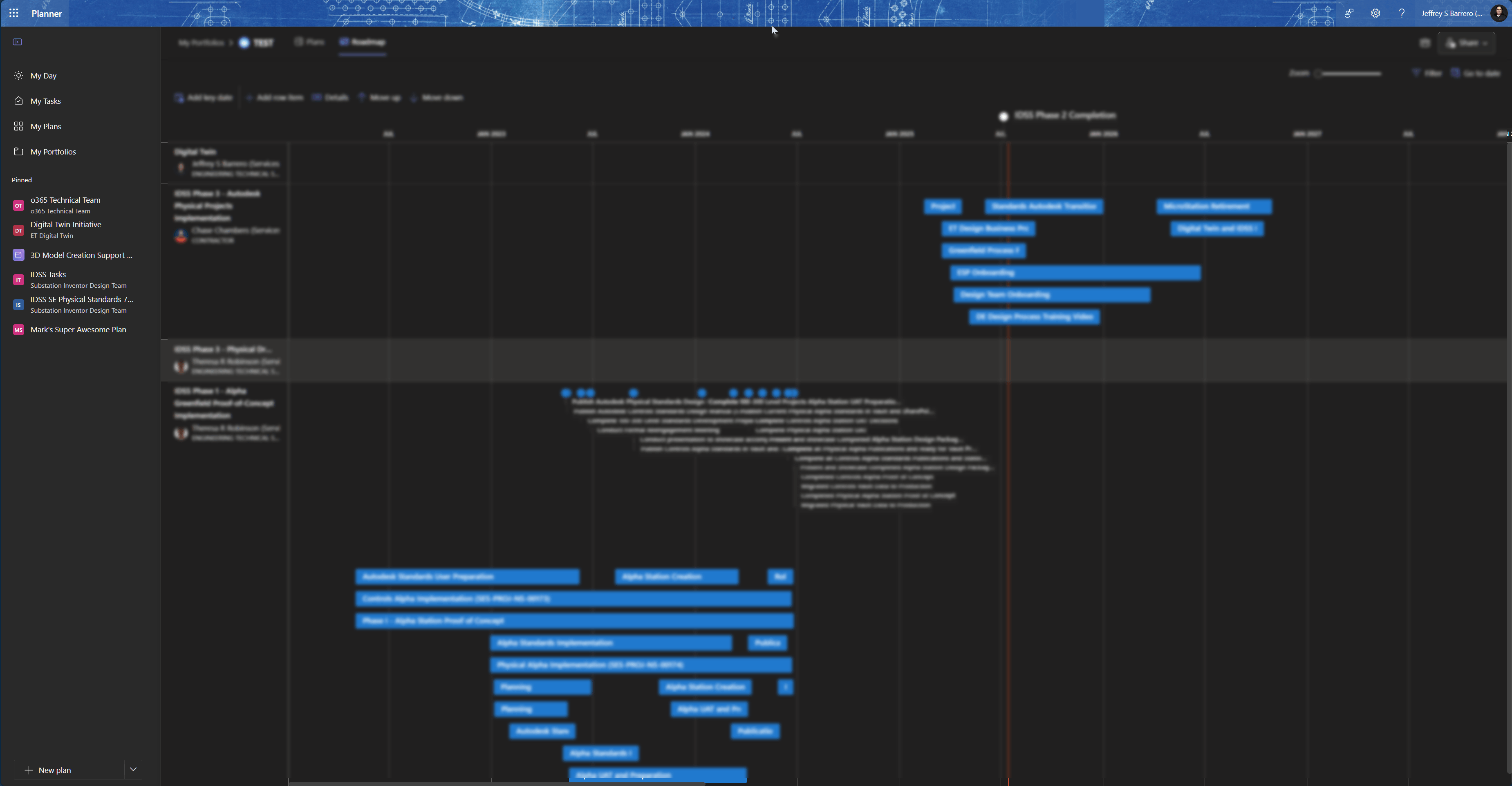
I see that we can have a high-level view, but I do not see the option where I can identify dependencies between one project to another.
Any insights or best practices for achieving this—whether through native features, integrations, or workarounds—would be greatly appreciated!
Thanks in advance!
Jeffrey Barrero
' cx='32' cy='32' r='32' /%3E%3Ctext x='50%25' y='55%25' dominant-baseline='middle' text-anchor='middle' fill='%23FFF' %3EA%3C/text%3E%3C/svg%3E)

' cx='32' cy='32' r='32' /%3E%3Ctext x='50%25' y='55%25' dominant-baseline='middle' text-anchor='middle' fill='%23FFF' %3EDH%3C/text%3E%3C/svg%3E)