Dear CR,
Good day! Thank you for posting your query in our community.
From your description, it seems that you insert a chart in PowerPoint for Mac. If yes, the chart is automatically linked to an Excel file and you can edit the Excel file data to update the chart.
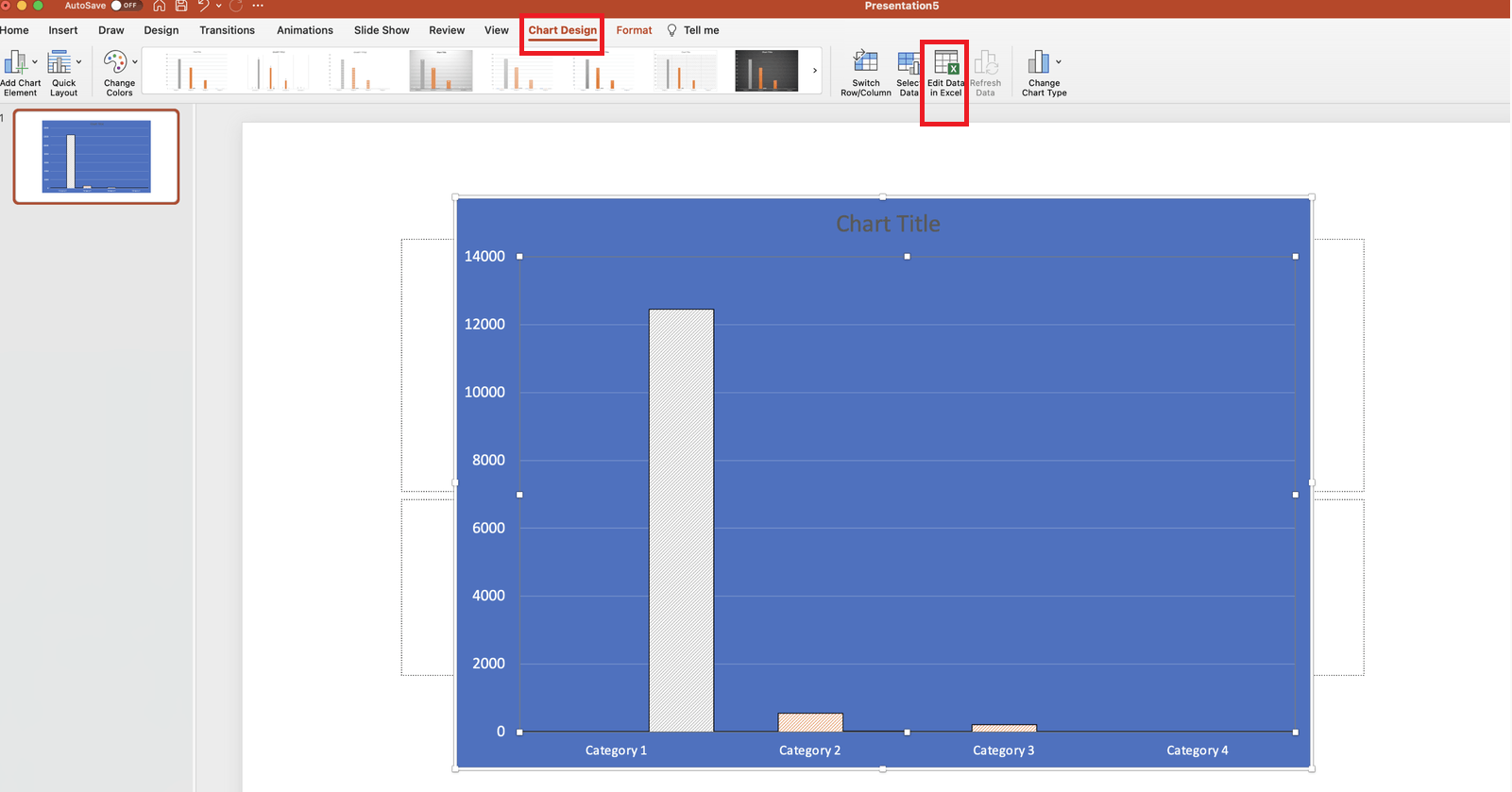
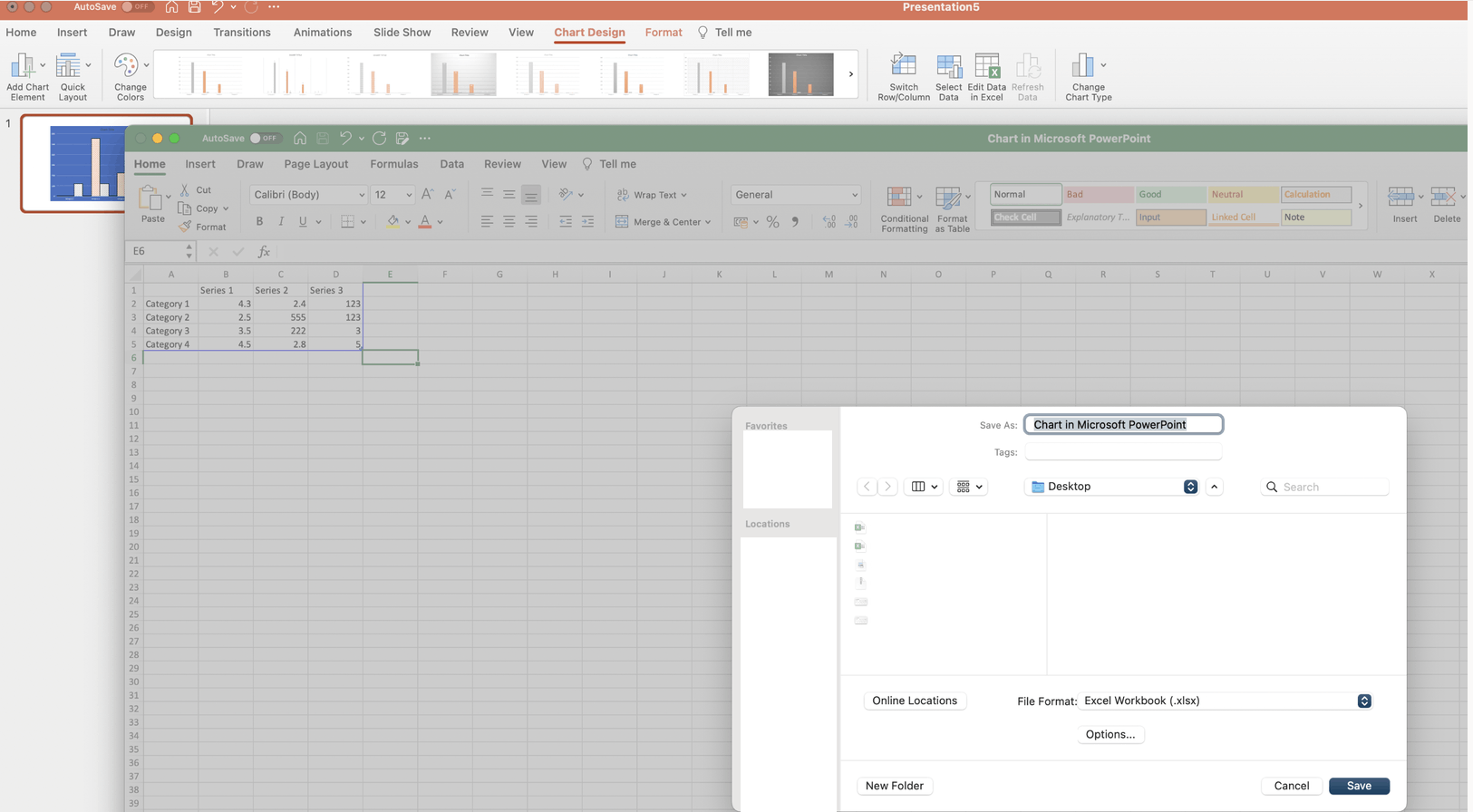
No matter what name the file is saved as and where the file is saved, the saved file may be a copy back up. You may be able to click on Chart Design in PowerPoint for Mac>Edit Data in Excel to open and edit the linked Excel file and save it as a new backup. If you edit the backup file, the chart may not be updated.
If something is misunderstood, welcome to reply with your updates at your convenience.
Thanks for your effort and time.
Sincerely,
Cliff | Microsoft Community Moderator
' cx='32' cy='32' r='32' /%3E%3Ctext x='50%25' y='55%25' dominant-baseline='middle' text-anchor='middle' fill='%23FFF' %3EA%3C/text%3E%3C/svg%3E)


' cx='32' cy='32' r='32' /%3E%3Ctext x='50%25' y='55%25' dominant-baseline='middle' text-anchor='middle' fill='%23FFF' %3ESR%3C/text%3E%3C/svg%3E)