' cx='32' cy='32' r='32' /%3E%3Ctext x='50%25' y='55%25' dominant-baseline='middle' text-anchor='middle' fill='%23FFF' %3EKE%3C/text%3E%3C/svg%3E)

' cx='32' cy='32' r='32' /%3E%3Ctext x='50%25' y='55%25' dominant-baseline='middle' text-anchor='middle' fill='%23FFF' %3EA%3C/text%3E%3C/svg%3E)
Hello @Kartheen E ,
Thank you for posting here.
Could some let me know How to disable 3DES and RC4 on Windows Server 2019?
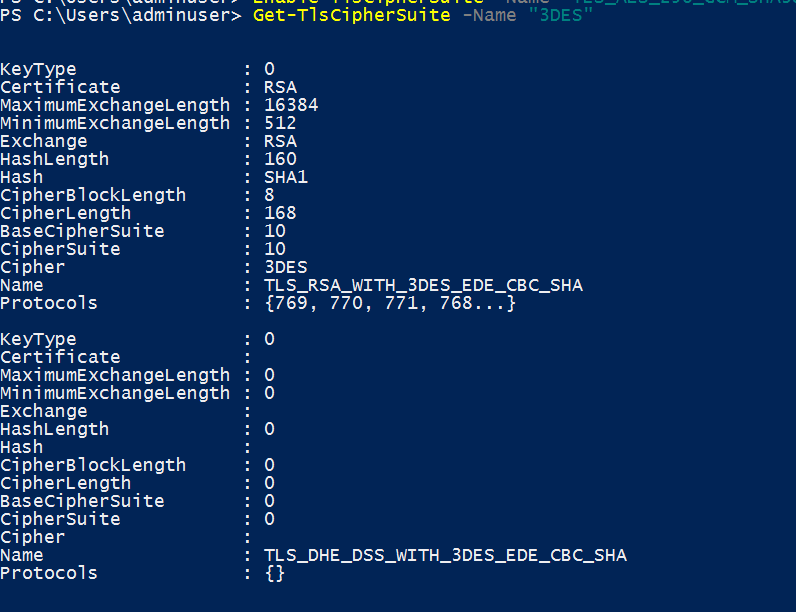
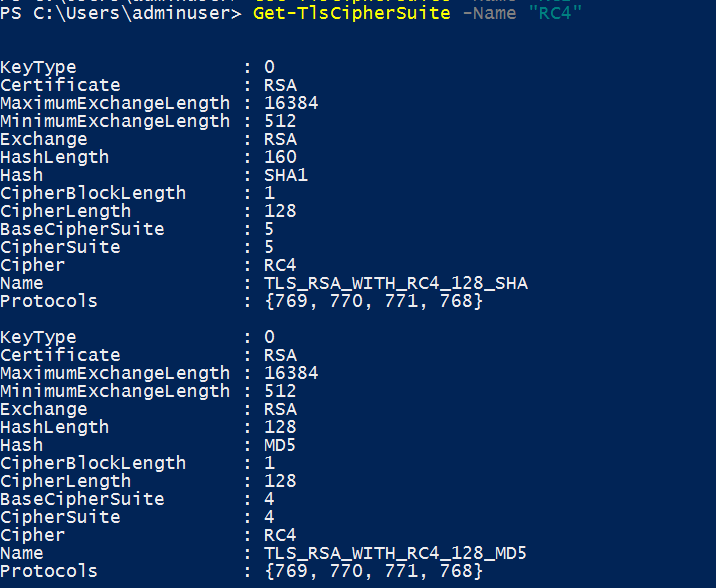
A: We can check all the ciphers on one machine by running the command.
Get-TlsCipherSuite >c:\cipher.txt
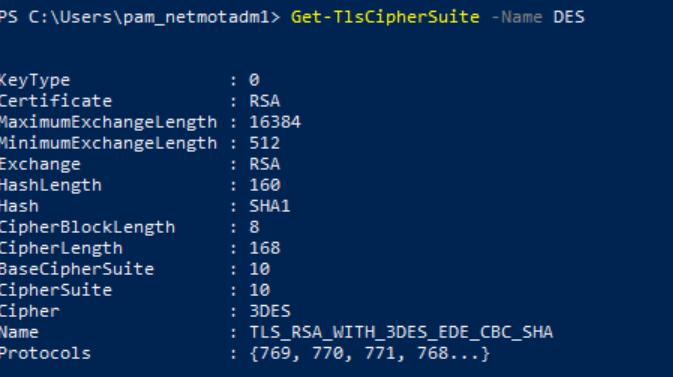
Or we can check only 3DES cipher or RC4 cipher by running commands below.
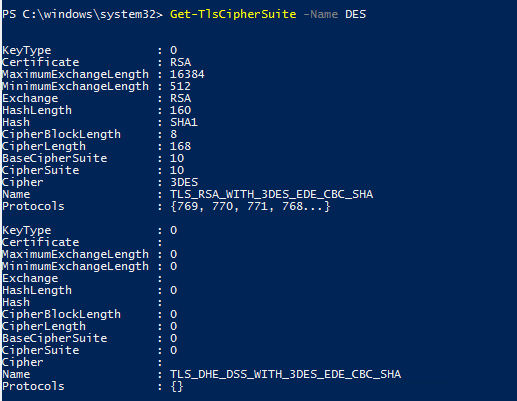
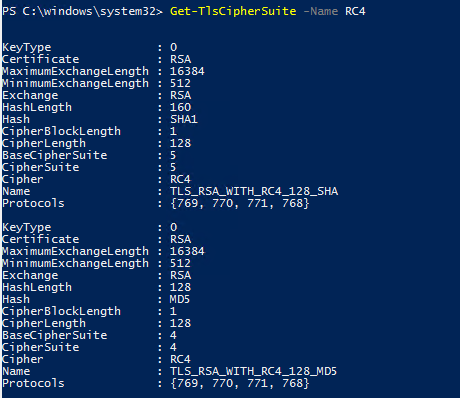
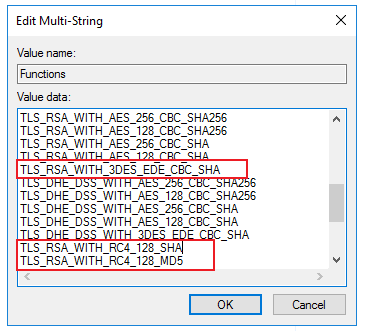
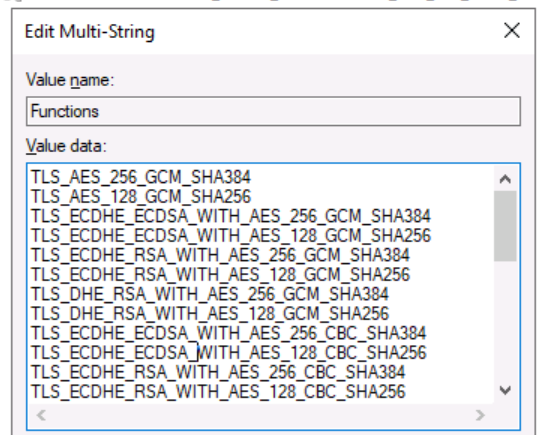
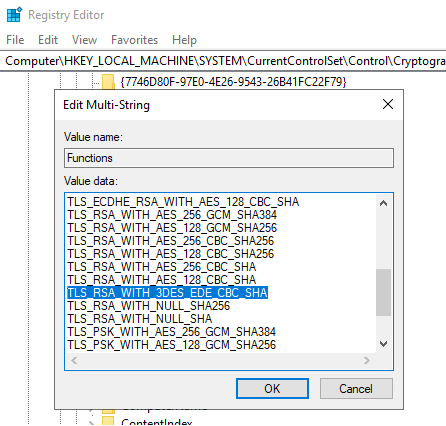
We can disable 3DES and RC4 ciphers by removing them from registry HKEY_LOCAL_MACHINE\SYSTEM\CurrentControlSet\Control\Cryptography\Configuration\Local\SSL\00010002 and then restart the server.
For example in my lab:
I am sorry I can not find any patch for disabling these.
Should you have any question or concern, please feel free to let us know.
Best Regards,
Daisy Zhou


' cx='32' cy='32' r='32' /%3E%3Ctext x='50%25' y='55%25' dominant-baseline='middle' text-anchor='middle' fill='%23FFF' %3ED%3C/text%3E%3C/svg%3E)
 ]
]
' cx='32' cy='32' r='32' /%3E%3Ctext x='50%25' y='55%25' dominant-baseline='middle' text-anchor='middle' fill='%23FFF' %3EAM%3C/text%3E%3C/svg%3E)
' cx='32' cy='32' r='32' /%3E%3Ctext x='50%25' y='55%25' dominant-baseline='middle' text-anchor='middle' fill='%23FFF' %3ETD%3C/text%3E%3C/svg%3E)
' cx='32' cy='32' r='32' /%3E%3Ctext x='50%25' y='55%25' dominant-baseline='middle' text-anchor='middle' fill='%23FFF' %3EFB%3C/text%3E%3C/svg%3E)
' cx='32' cy='32' r='32' /%3E%3Ctext x='50%25' y='55%25' dominant-baseline='middle' text-anchor='middle' fill='%23FFF' %3ENU%3C/text%3E%3C/svg%3E)