Microsoft Security | Microsoft Entra | Microsoft Entra ID
A cloud-based identity and access management service for securing user authentication and resource access

This browser is no longer supported.
Upgrade to Microsoft Edge to take advantage of the latest features, security updates, and technical support.
' cx='32' cy='32' r='32' /%3E%3Ctext x='50%25' y='55%25' dominant-baseline='middle' text-anchor='middle' fill='%23FFF' %3EN%3C/text%3E%3C/svg%3E)
When attempting to log into the azure portal I am prompted with "your organization needs more information to keep your account secure"
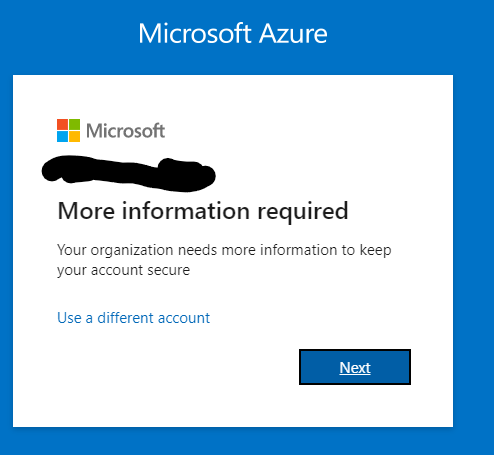
By clicking next it appears to be loading, but never moves on:
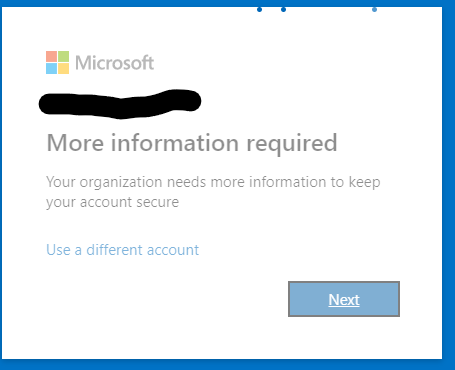
I was able to log in just last week.
A cloud-based identity and access management service for securing user authentication and resource access
' cx='32' cy='32' r='32' /%3E%3Ctext x='50%25' y='55%25' dominant-baseline='middle' text-anchor='middle' fill='%23FFF' %3EST%3C/text%3E%3C/svg%3E)
I just can say there is no way to fix this without walkaround trying to log in from another machine .., sometimes its works when opened with private windows /clear cookies/ cache

@Nate
I'm glad that you were able to resolve your issue and thank you for posting your solution so that others experiencing the same thing can easily reference this! Since the Microsoft Q&A community has a policy that "The question author cannot accept their own answer. They can only accept answers by others", I'll repost your solution in case you'd like to "Accept" the answer.
Issue:
When attempting to log into the Azure Portal you were prompted with Your organization needs more information to keep your account secure. However, after clicking "Next" the page was stuck loading.
Solution:
Since your account was still logged in on another machine, you were able to log in using that machine.
You also followed steps found in another post:
If you have any other questions, please let me know.
Thank you again for your time and patience throughout this issue.
----------
Please remember to "Accept Answer" if any answer/reply helped, so that others in the community facing similar issues can easily find the solution.
I was lucky and my account was still logged in on another machine.
I followed the steps found in another post:
Azure Active Directory > Properties
Manage security defaults
set Enable security defaults to No
I am now able to log in to my account from another machine again.

Hi @Nate
1) "I was able to log in just last week."
The only way you will be asked again is if your Admin has reset your contact methods or changed settings.
2) Try clearing your browser cache or try a different browser. The Next button issue sounds browser related, not Azure AD/MFA.
If this is helpful please accept answer.
Thanks.