Settings can't open - Windows server 2022

JPFdu83 1 Reputation point
2022-09-13T12:59:55.01+00:00

Hello,

I have recently installed a Windows server 2022 and I discover that the "Settings" application cannot be launched.

(So ​​I can't adjust some displays, activation key, etc...)

So I redid the installation thinking that I may have done something wrong by checking after each step that the parameters were working well. And it turns out it crashes after promoting my DC server...

If you ever have an explanation / solution, I'm interested.

PS: I tried everything I found on the internet, without success. (the sfc /scannow, etc...)

Thanks in advance

Windows for business | Windows Server | User experience | Other
0 comments No comments

13 answers

Sort by: Newest
  1. JPFdu83 1 Reputation point
    2022-09-13T14:57:50.77+00:00

    240579-capture-decran-2022-09-13-165327.jpg

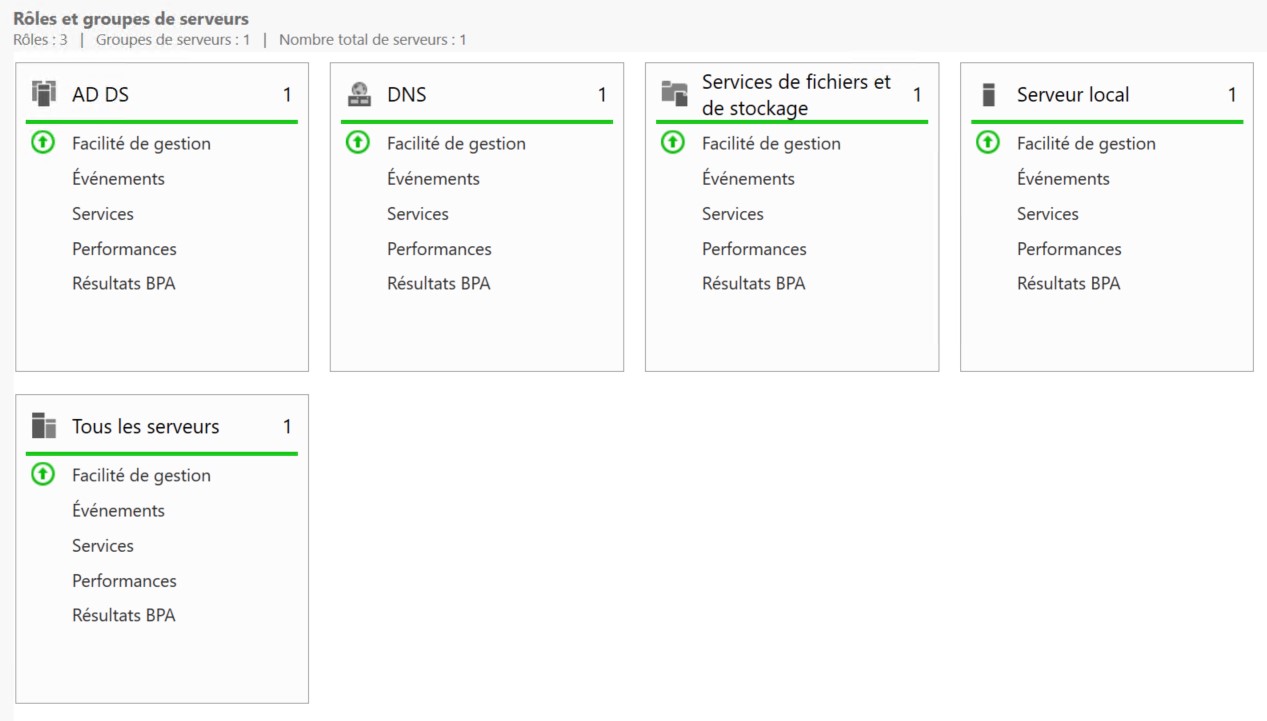
    This is a capture from the bugged one.
    And the other one got dhcp, adds, dns, files storage. So not a lot of changes.

    As i said at the begging, its a fresh install, i only patched this, register, and install ADDS (with dns)
    There isnt other applications installed here for the moment

    Was this answer helpful?

    0 comments No comments

  2. Anonymous
    2022-09-13T14:50:28.923+00:00

    What applications? It generally isn't recommended to install applications or other roles on a domain controller.

    Was this answer helpful?

    0 comments No comments

  3. JPFdu83 1 Reputation point
    2022-09-13T14:46:44.953+00:00

    It supposed to be ok with my server Dell poweredge 350 (to be honest, i didnt check this before i bought the server)
    https://www.windowsservercatalog.com/item.aspx?idItem=CC26A1CC-BE77-41FC-8C71-B3906D82E6F8&bCatID=1282&qos=2000000001

    Fortunaly for me, i got another server, same model, almost same applications installed, and it works like a charm. So i figured out it was not a matérial problem...

    That's really strange, the problem showed up when i promoted the DC. Before this, it was ok.

    Was this answer helpful?

    0 comments No comments

  4. Anonymous
    2022-09-13T14:29:28.627+00:00

    Might also check here and with manufacturer about support for Server 2022
    https://www.windowsservercatalog.com/

    --please don't forget to upvote and Accept as answer if the reply is helpful--

    Was this answer helpful?

    0 comments No comments

  5. JPFdu83 1 Reputation point
    2022-09-13T13:38:26.777+00:00

    The 1st time, i did all patch, without registration: i had the bug (probably after promote).
    The 2nd time, i did all patch with the registration (before promote DC) and i had the bug after promote

    Was this answer helpful?

    0 comments No comments

Your answer

Answers can be marked as 'Accepted' by the question author and 'Recommended' by moderators, which helps users know the answer solved the author's problem.