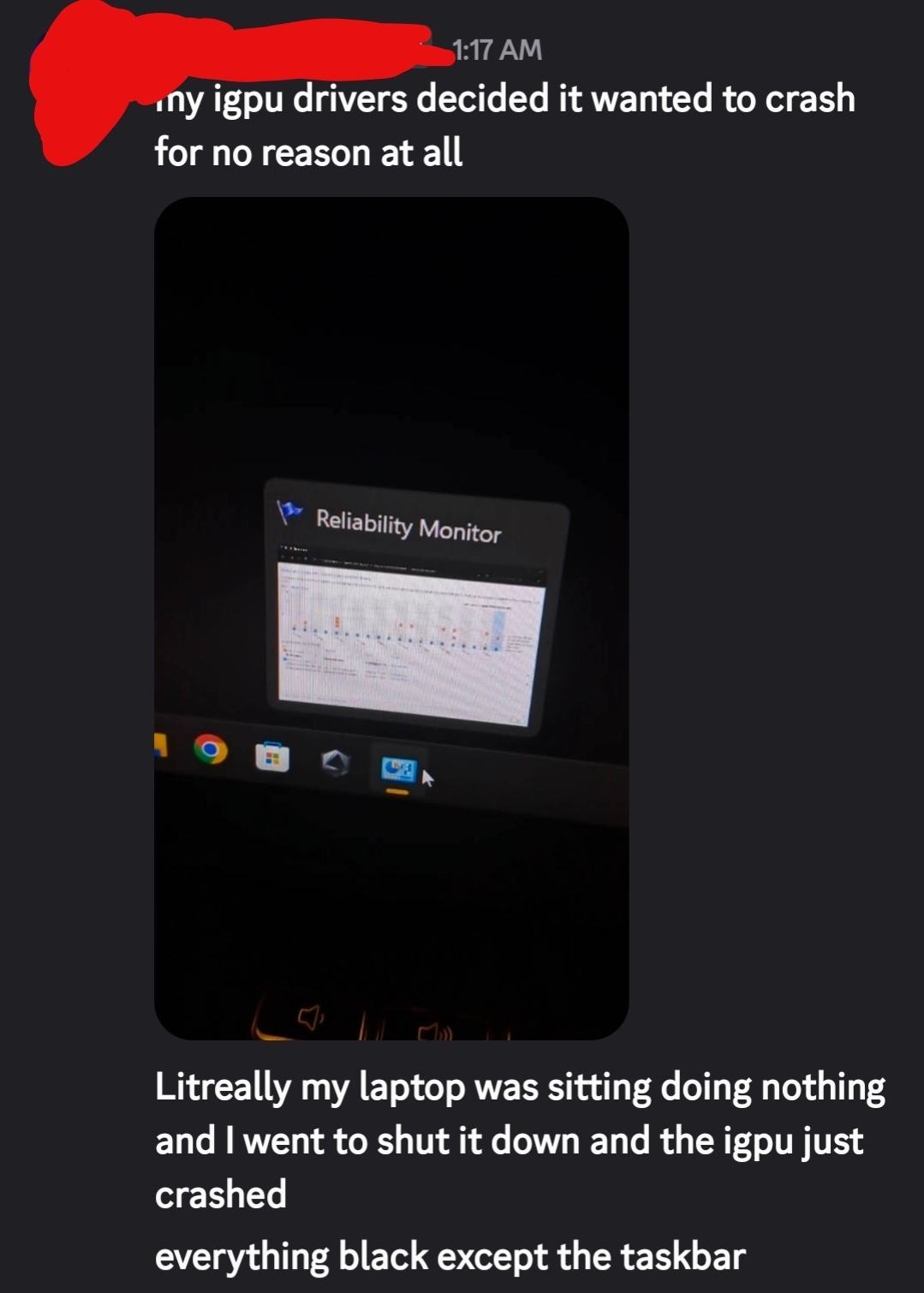
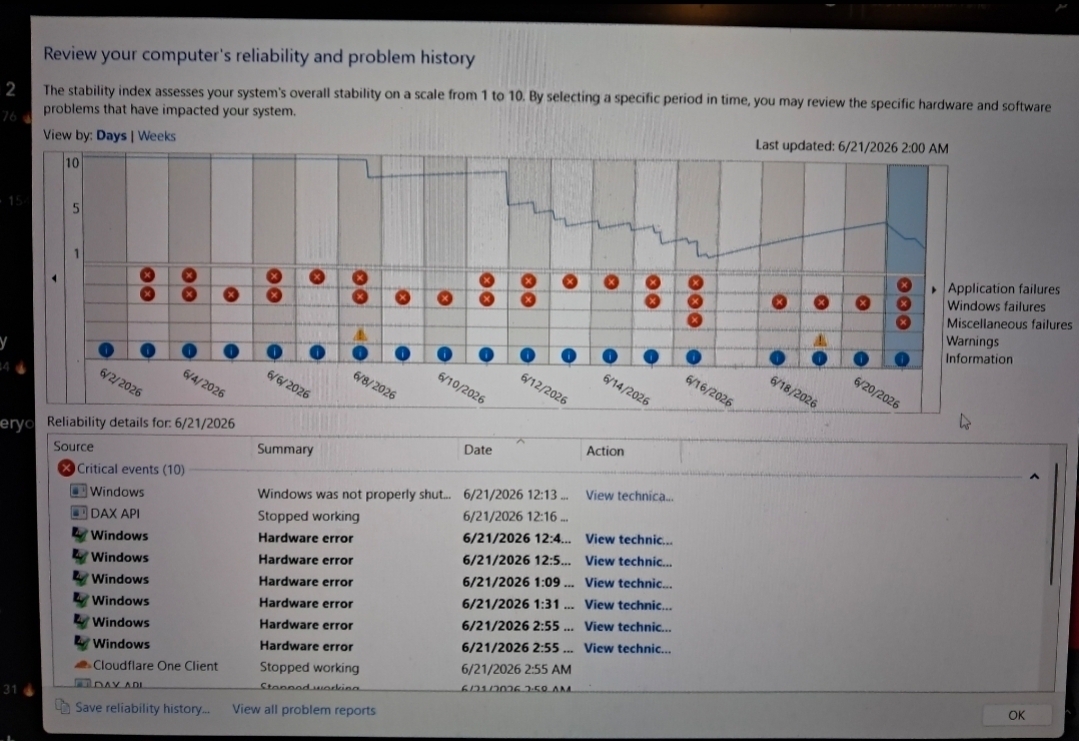
So, ive had this laptop (Asus tuf gaming a16) for quite a while now. It was awesome for the first few months, then came the dreaded dwm.exe crashes. I dont know when it began but once while I was playing a non intensive game, dwm.exe suddently crashed, making my screen turned black for a few seconds, crashing the game and my entire screen was just black / gray except the taskbar. Its been only getting worse and worse. Ive seen many people with the newer nvidia RTX gpus having problems with these crashes without finding fixes, ive tried everything and I mean EVERYTHING everyone else tried. Also with that im having weird issues where restart manager keeps randomly failing to restart many apps showing in the event viewer and I used to have around 1 - 10 hardware errors a day on reliability moniter from my AMD iGPU for no reason. The crashes occur specifically when doing a tiktok live while playing BeamNG.Drive or sharing my screen on discord and changing my car a few times. Crashes can go from a 2 second black screen coming back with no issues, 3 second black screen crashing the game, or 3 second black screen crashing the game and showing the entire desktop as black except the taskbar working with no apps able to be visible, or a 5 second black screen and comes back as just plain black with a mouse cursor and nothing is visible except the alt + tab menu. From recent chats with my friend, you can clearly see the random errors given in the event viewer
Armourycrate userSessionHelper.exe cannot be restarted, AMDADLXServ.exe cannot be restarted, Discord.exe cannot be restarted, steamwebhelpler.exe cannot be restarted, AmdRadeonSoftware cannot be restarted, AMDRSSrcExt.exe cannot be restarted, NVIDIA Overlay.exe cannot be restarted (5 times), EpicGamesLauncher.exe cannot be restarted, Epic Web Helper cannot be restarted, BeamNG.drive.x64.exe cannot be restarted, AcPowerNotification.exe cannot be restarted, all of them say Application SID does not match Conductor SID. Then information "Ending session 3 started 2026-09-05T20:57:58.41304500Z."
Then application error, vaulting application name dwm.exe, faulting module name nvwqf2umx.dll, vaulting module path: C:\Windows\System32\DriverStore\FileRepisitory\nvami.imf_amd64_734224edc3748001\nvwqf2umx.dll, then information "Event name: APPCRASH, Problem signature: P1: dwm.exe, P2: 10.0.26100.8972, P3: df4b2407, P4: nvwqf2umx.dll, P5: 32.0.16.1656" Then warning from Dwminit "The Desktop Window Manager process has exited. (Process exit code: 0x000000ff, Restart count: 1, Primary display device ID: Nvidia Gefore RTX 5050 Laptop GPU)"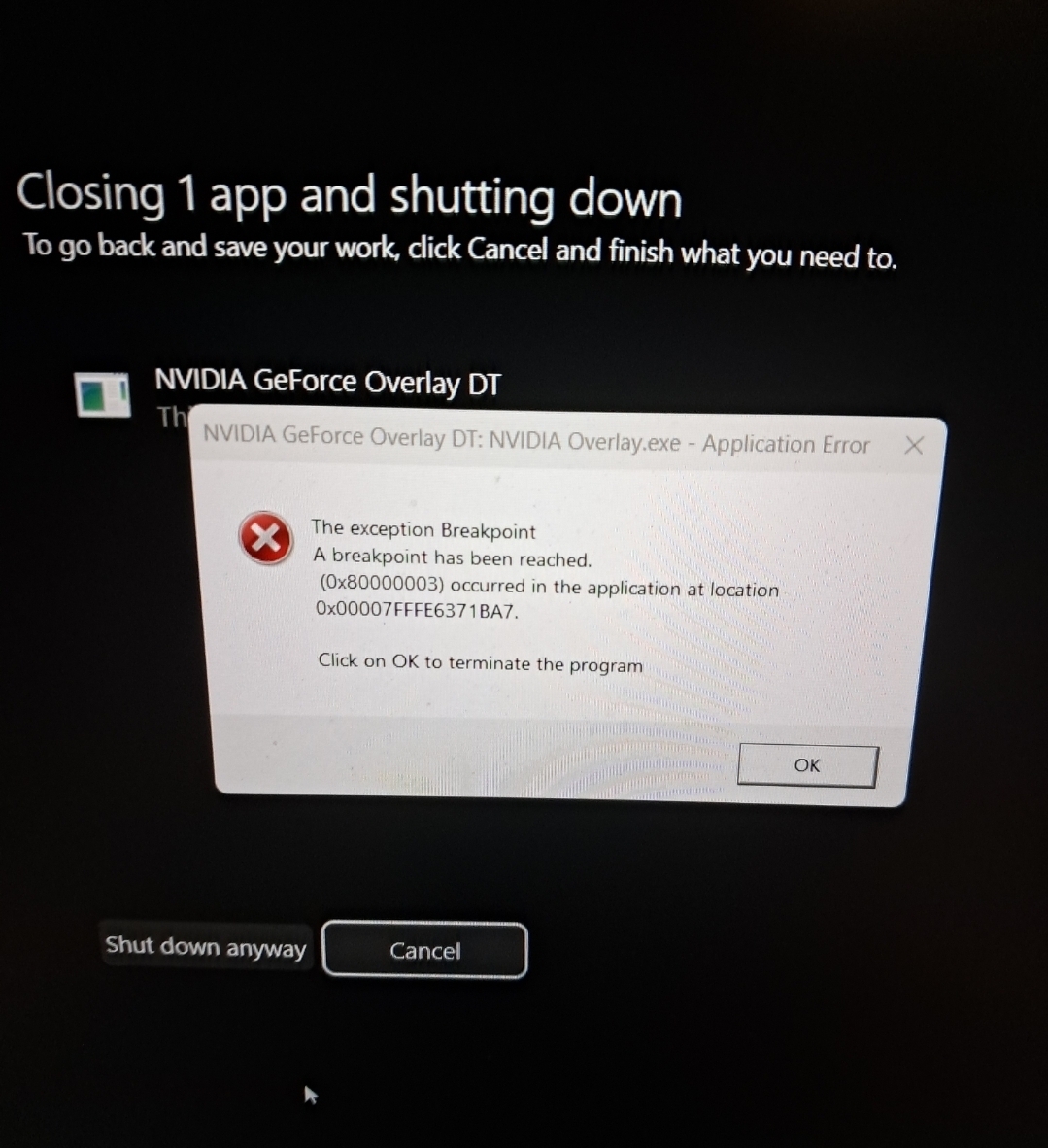
then an application error "Faulting application name: NVIDIA Overlay.exe, Faulting Module Name: libcef.dll.
All these restart manager things actually happen multiple times at random times and dont require a crash for it to happen. And the amd igpu was fixed by updating its driver. Before going live on tiktok live studio, playing BeamNG.Drive switches the display to run on the nvidia gpu. I can notice before starting the live, it would sometimes flicker, the contrast of overlays would be too low and like the dark black would just be a light gray and the text barely visible, sometimes inside the studio trying to do something I could see BeamNG in tbe background suddently having a thick contrast and turning like dark for a second or going light for a second and can sometimes happen on the entire screen, and after gpu crashes during the stream, the entire screen keeps flickering black for a half a second at random. I really do not know how to fix this or whats going on, so if someone can help it would be greatly appreciated.
Specs: AMD Ryzen 7 260, RTX 5050 Laptop GPU, 16GB RAM DDR5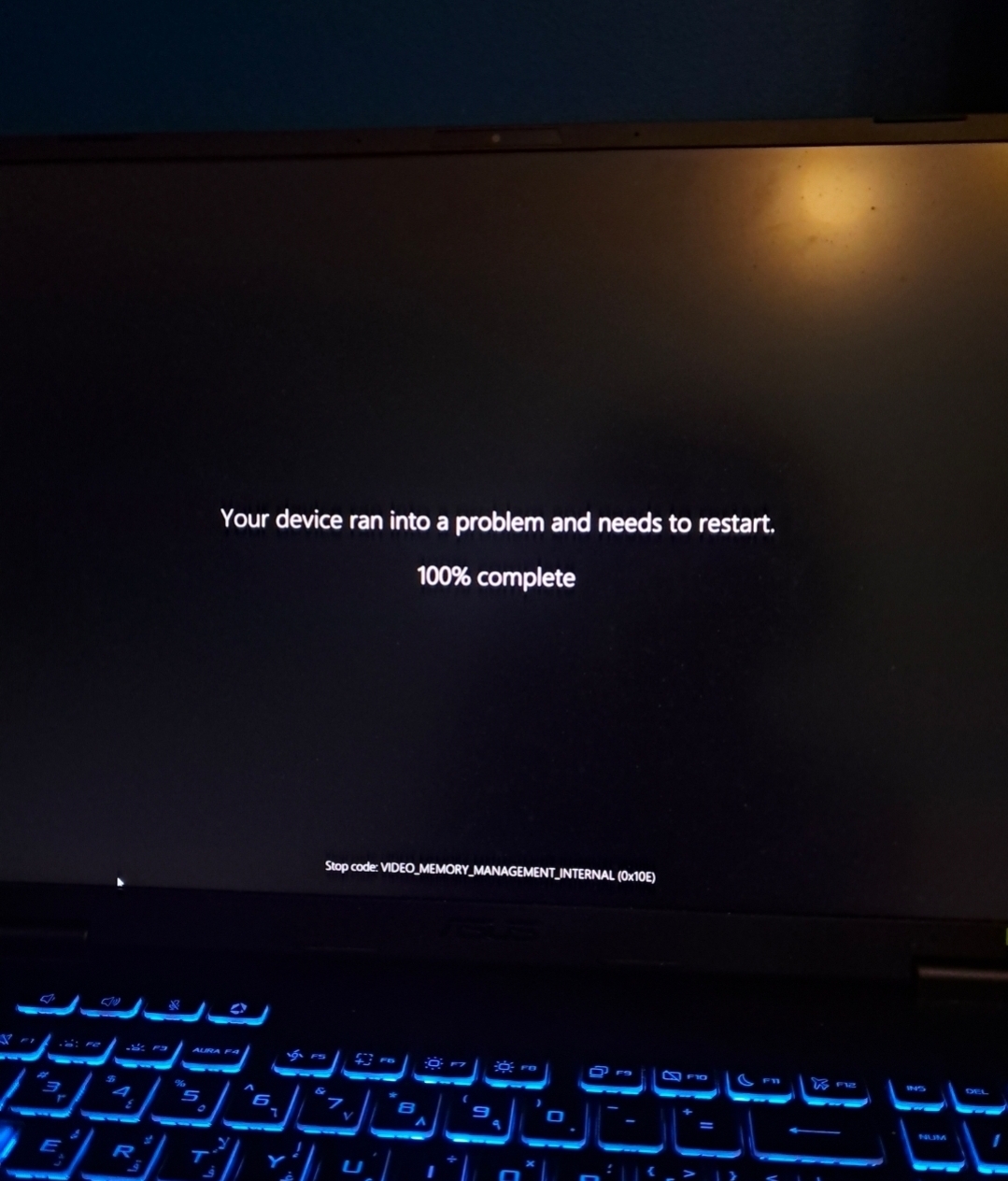
' cx='32' cy='32' r='32' /%3E%3Ctext x='50%25' y='55%25' dominant-baseline='middle' text-anchor='middle' fill='%23FFF' %3ED%3C/text%3E%3C/svg%3E)

' cx='32' cy='32' r='32' /%3E%3Ctext x='50%25' y='55%25' dominant-baseline='middle' text-anchor='middle' fill='%23FFF' %3EIB%3C/text%3E%3C/svg%3E)