Azure Database for MySQL
An Azure managed MySQL database service for app development and deployment.
This browser is no longer supported.
Upgrade to Microsoft Edge to take advantage of the latest features, security updates, and technical support.
' cx='32' cy='32' r='32' /%3E%3Ctext x='50%25' y='55%25' dominant-baseline='middle' text-anchor='middle' fill='%23FFF' %3EMR%3C/text%3E%3C/svg%3E)
I am very new and using visual studio community 2000 and mysql work bench 8.0,
I am having 3 textbox names like textbox1,2,3 and 1 insert button and 1 data gridview for saving data in mysql database, i need code for insert button..
This is mysql coding:
SELECT * FROM testdb.employee;
insert into testDB.employee(employee_id,employee_name,employee_salary) Values ('123','RAFI','10000')
insert into testDB.employee(employee_id,employee_name,employee_salary) Values ('456','RAJESH','20000')
insert into testDB.employee(employee_id,employee_name,employee_salary) Values ('789','RAMESH','30000')
select * from testDB.employee
I don't know how to connecting string and where to write for database connection for mysql workbench 8.0 and visual studio community 2022 pls send me step procedure
An Azure managed MySQL database service for app development and deployment.
A set of technologies in .NET for building web applications and web services. Miscellaneous topics that do not fit into specific categories.

Hi @Mohamed Rafi N Thank you for posting your Question on Microsoft Q&A and for using Azure services.
Sorry for the delay in response to your question.
If my understanding is correct, you are looking for a code for insert button and you would also like to write a connection string for your SQL workbench 8.0 using visual studio. Please let me know if my understanding is not correct.
I have tried to repo the issue successfully.
To create the form in visual studio please follow the step below
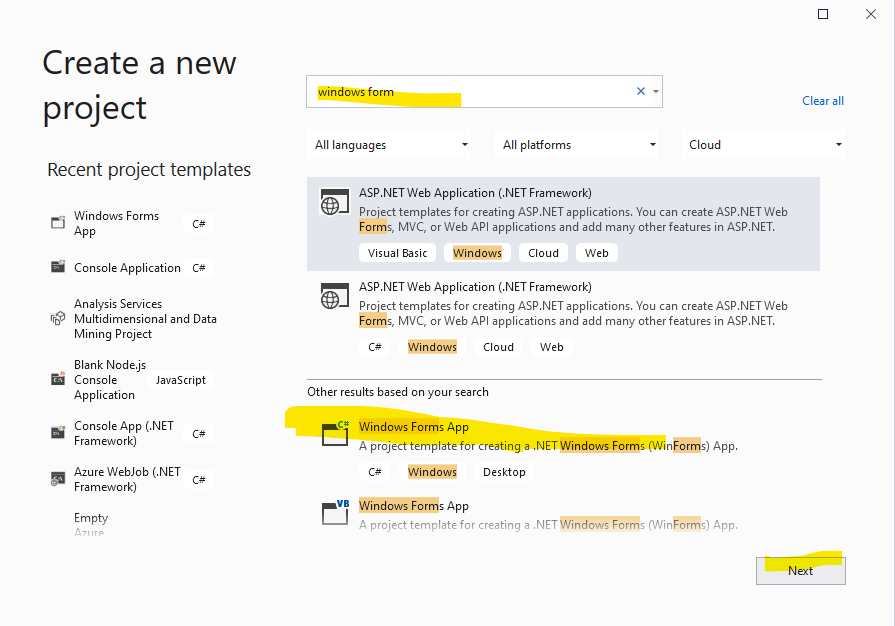
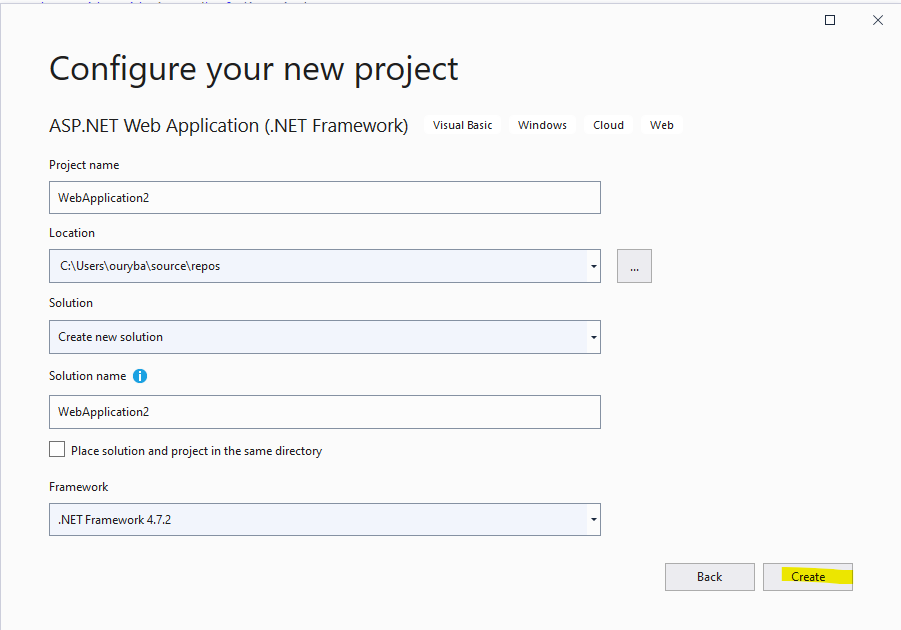
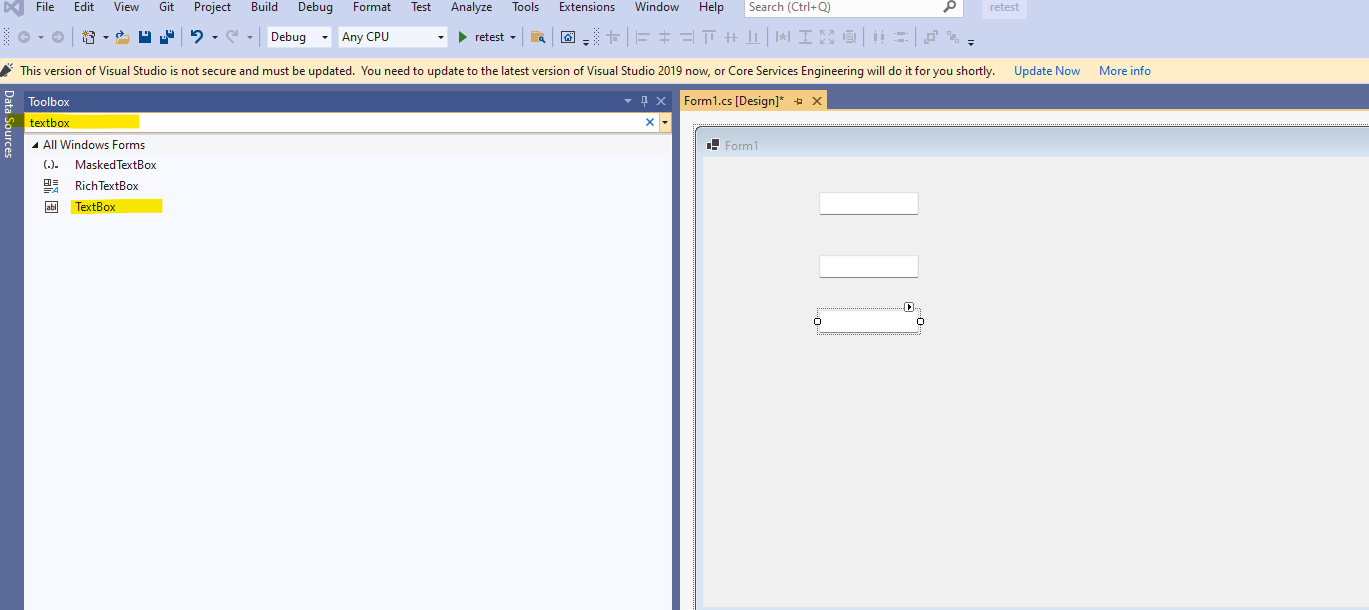
Once the page is created click on search text box then start drag and drop

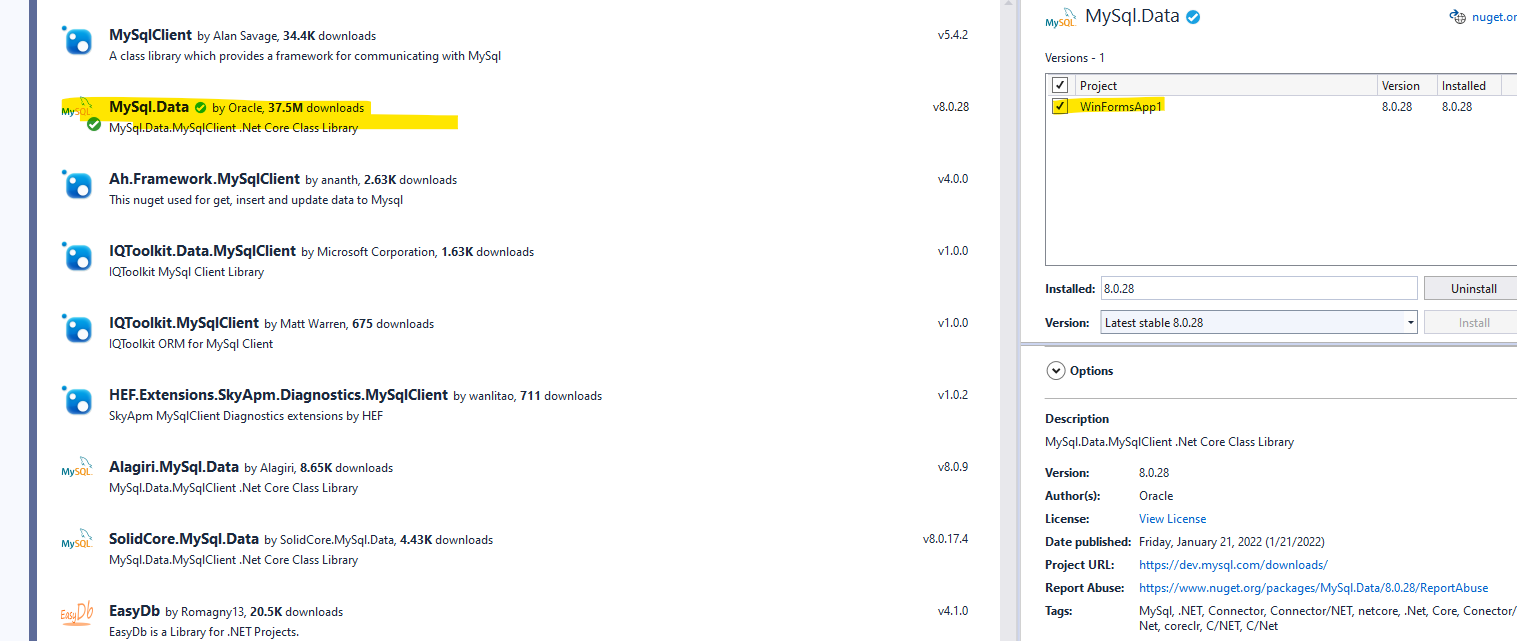
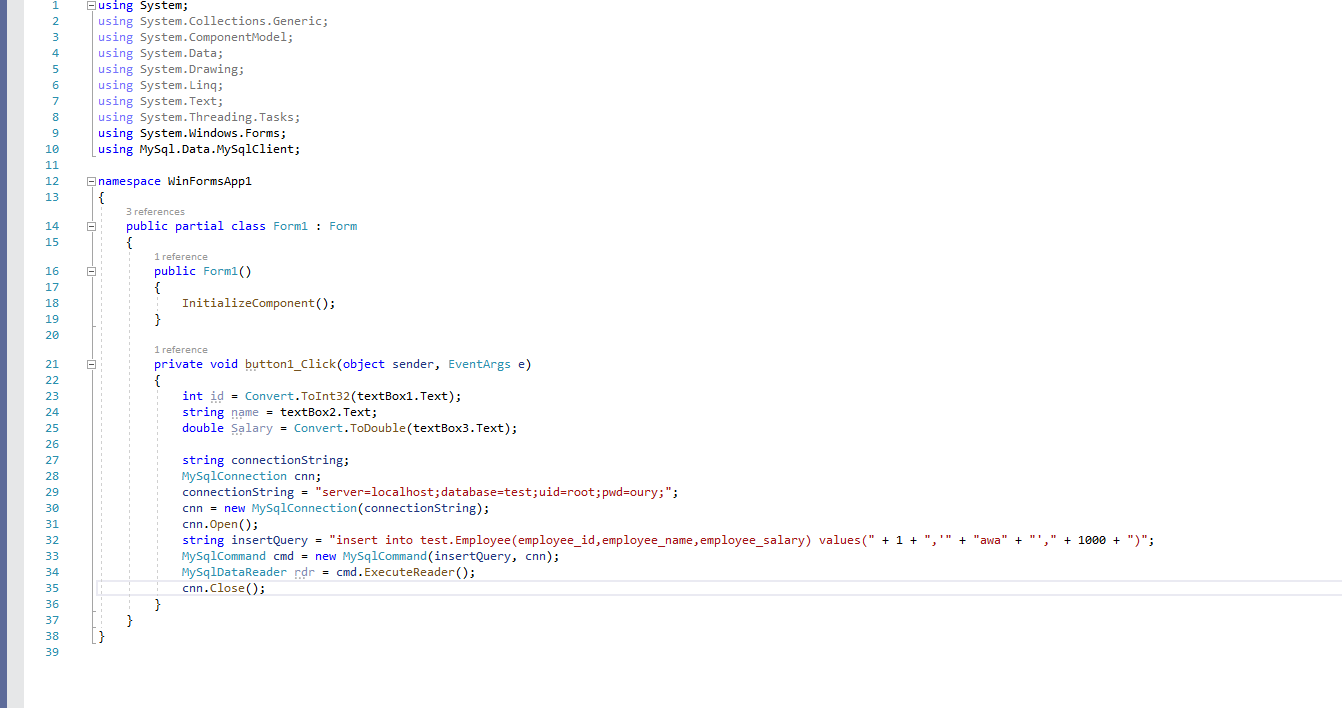
How to write the connection string
int id = Convert.ToInt32(textBox1.Text);
string name = textBox2.Text;
double Salary = Convert.ToDouble(textBox3.Text);
string connectionString;
MySqlConnection cnn;
connectionString = "server=localhost;database=test;uid=root;pwd=password@123;";
cnn = new MySqlConnection(connectionString);
cnn.Open();
string insertQuery = "insert into test.Employee(employee_id,employee_name,employee_salary) values(" + id + ",'" + name + "'," + Salary + ")";
MySqlCommand cmd = new MySqlCommand(insertQuery,cnn);
MySqlDataReader rdr = cmd.ExecuteReader();
cnn.Close();
Like below
Please let me know if you are still having problems.
Regards,
Oury
Hi @Mohamed Rafi N Please do not forget to mark as accepted answer if the reply was helpful.
Regards,
Oury
Excellent, very helpful and working fine