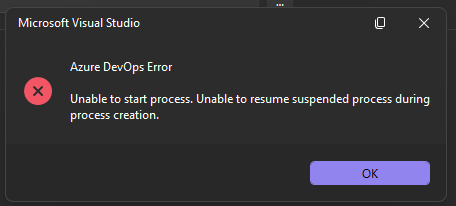
Azure DevOps clone fails in Visual Studio: “Unable to start process. Unable to resume suspended process during process creation.
When I attempt to clone an Azure DevOps Git repository through Visual Studio, Visual Studio displays an Azure DevOps Error dialog: Unable to start process. Unable to resume suspended process during process creation.
Git for Windows is installed and available from PowerShell: git version 2.55.0.windows.5 The issue occurs during the repository clone workflow in Visual Studio.
Steps to Reproduce Open Microsoft Visual Studio. Select Clone a repository. Enter or select an Azure DevOps Git repository URL. Choose a local destination folder. Select Clone. Observe the error dialog.
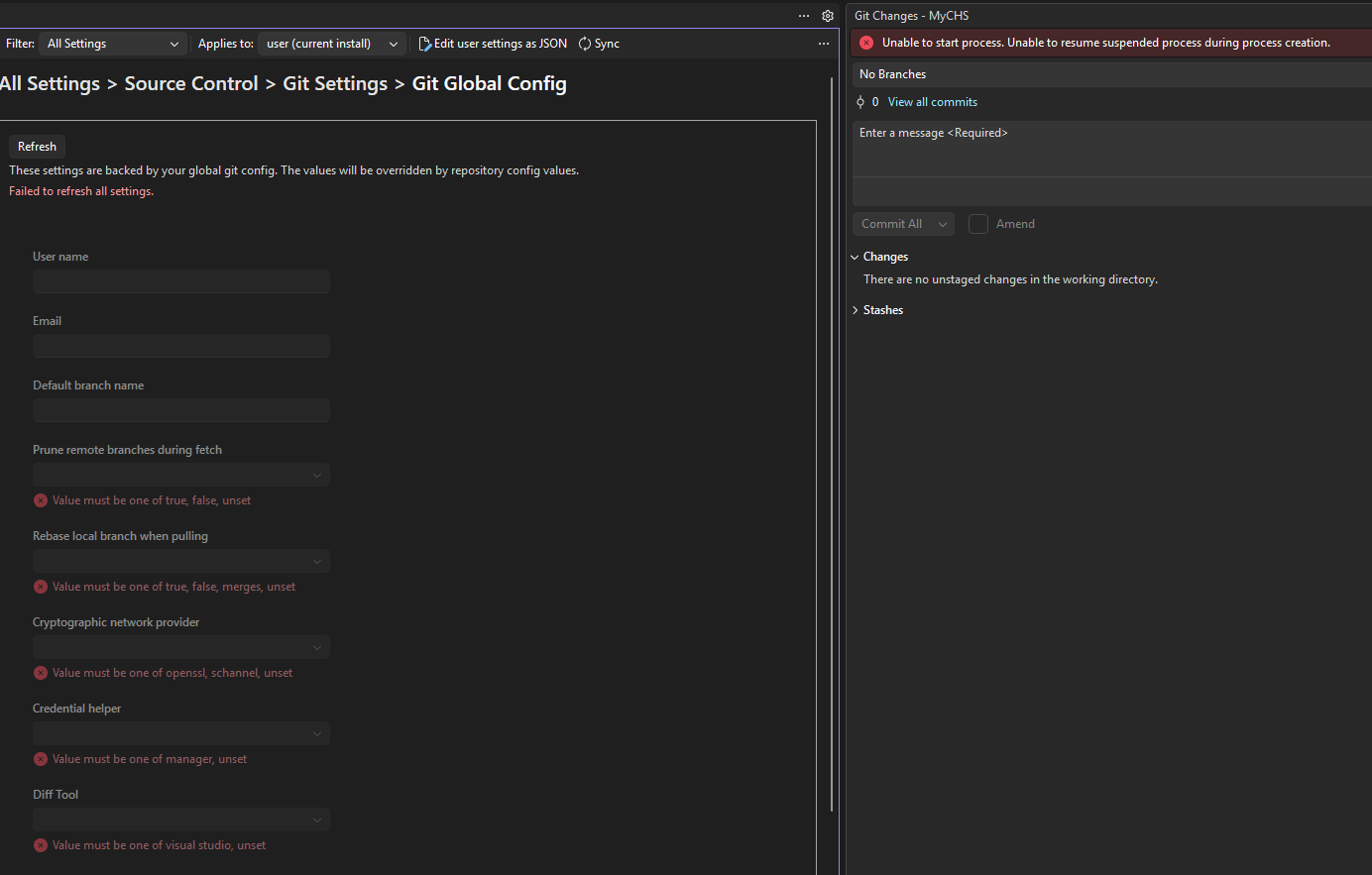
Actual Result Visual Studio displays the following error and does not complete the clone: Git Global config failed to set Unable to start process. Unable to resume suspended process during process creation.
Expected Result Visual Studio should start the Git process and clone the selected Azure DevOps repository to the specified local folder.
**Here are the steps taken so far:
- Checked with the security department - there is nothing being blocked internally and nothing has changed.**
Screenshots: When cloning a repo: