Hello,
Windows 11 Version 26H2 OS Build 26300.9711.
I have external network WiFi card connected to USB 3.0 port. From time to time (example: for 2 days i have it every 3 hours, last month i didn't had this issue and 2 month back this issue occured every day) my network stop working completely. I can't event reach the network setting - all i have is the empty windows that looks the settings window is loading all the time. I can't event get into this small netwrok icon at the down bar because it is also empty. Another thing - when this issue occurs, i can't properly shut down my PC; it just shows the "Shutting down" info forever (10 hours for sure).
I can't see any problem in the Event Viewer. In the Reliability Monitor there is only error with settings: 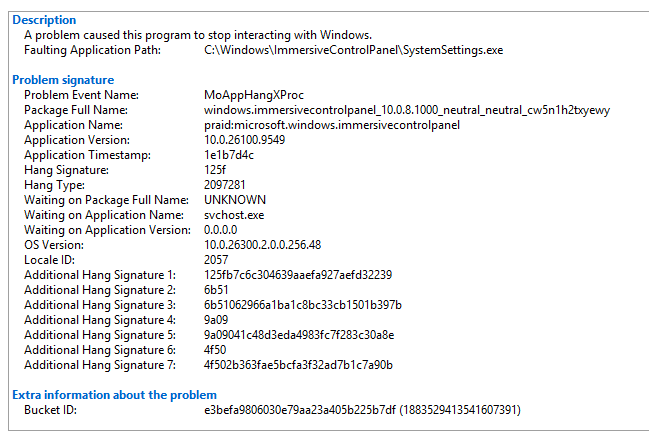
Do somebody have some idea what is wrong?
' cx='32' cy='32' r='32' /%3E%3Ctext x='50%25' y='55%25' dominant-baseline='middle' text-anchor='middle' fill='%23FFF' %3ESK%3C/text%3E%3C/svg%3E)

