I'm trying to create and add a new Child Microsoft Account to my own parent account. I have done this before with my oldest kid. But I'm having issues this time.
I have tried to open the family portal, and then clicking "Add family member". This takes me to to page where I can enter my kid's email. After entering my kid's email, I'm told to enter the verification code. But writing this code just gives me an "invalid code" error. I then waited ~10 minutes and asked to re-send the code. I entered the new code but got the same error.
I remember having this exact same issue last year when I also tried to create an account for my kid's email.
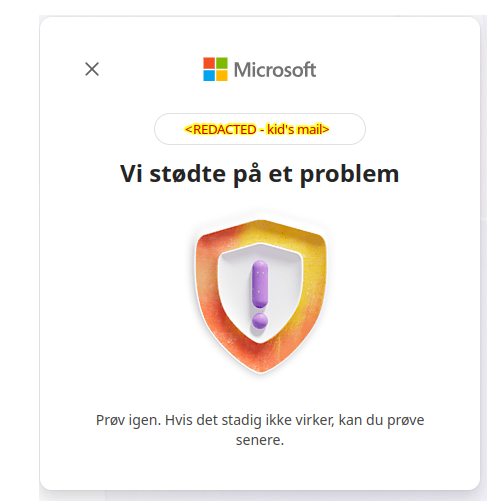
I then tried to go around the family settings, and to just create a new account without associating it with my own. I enter the name, country and birthday of my kid. A new verification code is sent, and I enter the code. This time, I get sent to an error page. I have attached an image of the page that I'm sent to.
What should I do now?
' cx='32' cy='32' r='32' /%3E%3Ctext x='50%25' y='55%25' dominant-baseline='middle' text-anchor='middle' fill='%23FFF' %3EAM%3C/text%3E%3C/svg%3E)

' cx='32' cy='32' r='32' /%3E%3Ctext x='50%25' y='55%25' dominant-baseline='middle' text-anchor='middle' fill='%23FFF' %3EEN%3C/text%3E%3C/svg%3E)