Edge just keeps wiping out my configuration. Very rude.
reg query "HKCU\SOFTWARE\Classes\MSEdgePDF\DefaultIcon"
C:\Program Files (x86)\Microsoft\Edge\Application\152.0.4191.66\msedge.exe,11
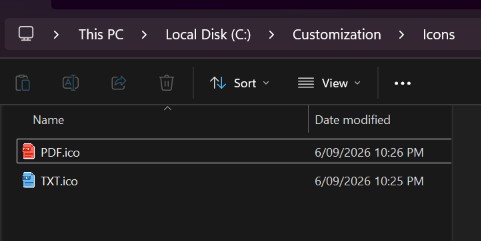
I created the icon, and put it into C:\Customization\Icons
@Horace Wiggins When you say "select change icon" - there is no change icon option. I think they took that option out years ago. I haven't seen it for a long time at least. The change button as seen below, changes the program that opens the filetype, it doesn't (or at least shouldn't) change the icon. They are two completely different things.

Some FileExplorer items do have a 'change icon' option. Including:
Folders - under Properties / Customize / Folder icons / Change Icon...
Shortcuts - under Properties / Shortcut / Change Icon...
Honestly, this is all really unnecessarily inconsistent. It paints a picture of a chaotic art / ux direction at Microsoft. Basic features are falling by the wayside. And it's very difficult to ascertain if they are even aware of the issues, or if there is a timeline for updated functionality.


