On a computer running Windows 10
When I enter safe mode from startup settings
And then press No. 4 to choose the Safe Mode option
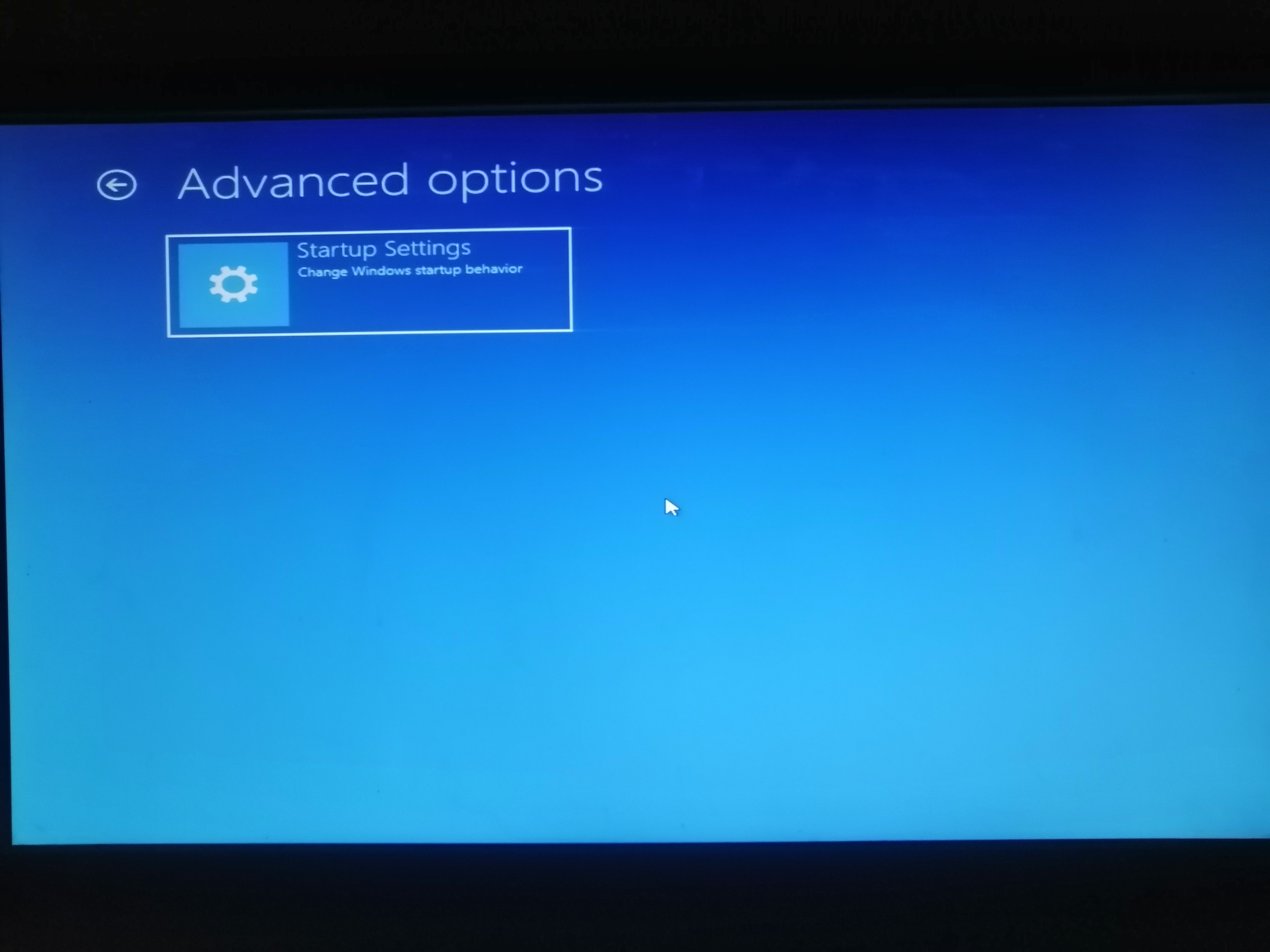
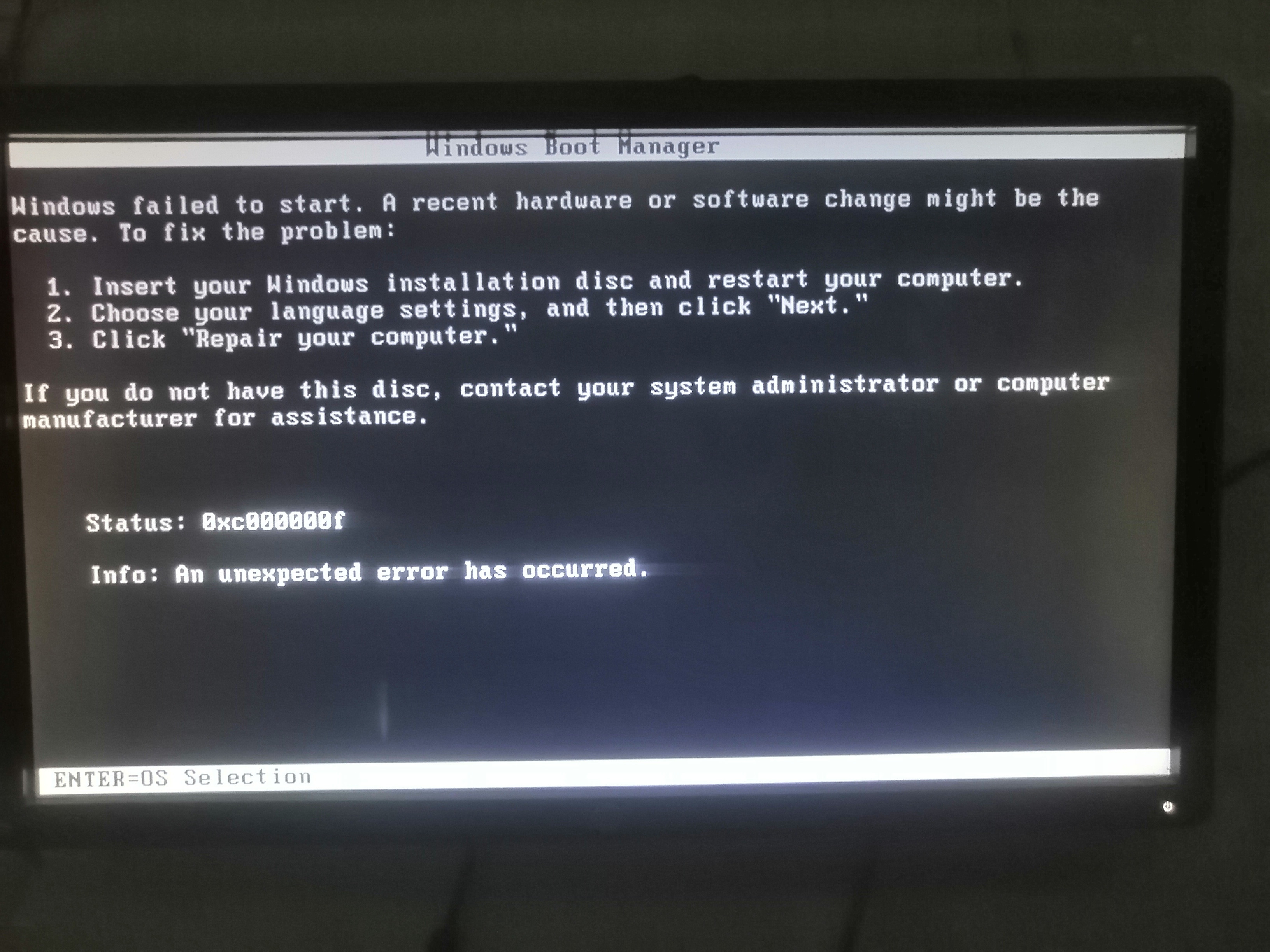
I am surprised by this error window
First, I want to know what is causing it
Secondly, I want to do or put this same error in Windows 11. I do not want to enter safe mode at all. I want to cancel it from my device permanently, like Windows 10. Whenever it enters safe mode, it finds an error window.
I want to do the same problem in Windows 11. Whenever I enter safe mode, I get an error message because I want to prevent myself from entering safe mode for certain reasons.
I wrote a similar question and my question was answered by Evan, he told me1. Go to Start -> Run (or win key + R), type regedit and hit Enter.2. Go to:HKEY_LOCAL_MACHINE\System\CurrentControlSet\Control\SafeBoot3. Expand the SafeBoot switch and you will see 2 subkeys with the names Minimum and Network. Do not delete them, but rename both keys to something else, for example, Minimum to MinimalX and Network to NetworkX.Rename SafeBoot registry keys
But there are two problems. Whenever I rename the keys, I get an error messageThe second and most important thing is Windows 10, which has this problem, the safe mode keys as they are not named, no one named them, and with that the problem occursHow do I do the same problem in Windows 11
' cx='32' cy='32' r='32' /%3E%3Ctext x='50%25' y='55%25' dominant-baseline='middle' text-anchor='middle' fill='%23FFF' %3EA%3C/text%3E%3C/svg%3E)
